

If you own a Volkswagen, Audi, Škoda, SEAT or CUPRA and want more control over your car, VCDS and Carista are two very different ways of getting it.
VCDS is the successor to the original VAG-COM software and is built primarily for advanced Volkswagen Group diagnostics, coding, adaptations and technical work.
Carista takes a more accessible approach: connect a Bluetooth OBD2 scanner to your phone, choose the function you want, and let the app guide you through supported customizations, diagnostics and service procedures.
So, which is better: VCDS or Carista?
For most car owners who want to customize their vehicle, diagnose problems and perform common maintenance without learning Volkswagen control-module terminology, Carista is the easier choice.
For experienced enthusiasts, technicians and workshops that need deeper control over individual ECUs, raw adaptation channels, coding values, output tests and advanced diagnostic functions, VCDS offers considerably more technical depth.
What Is VCDS?
VCDS stands for VAG-COM Diagnostic System. It is diagnostic software developed by Ross-Tech specifically for Volkswagen Group vehicles.
If you have been working on Volkswagen or Audi cars for a long time, you may know it by its original name: VAG-COM. Ross-Tech officially changed the product name from VAG-COM to VCDS years ago, so when people search for a “VAG-COM cable” or “VAG-COM coding tool” today, they are often referring to VCDS.
VCDS connects to a Volkswagen Group vehicle using a compatible Ross-Tech interface such as the HEX-V2 or HEX-NET.
Its functions include far more than reading a check-engine light. Depending on the vehicle, VCDS provides access to areas such as:
- Auto-Scan
- Manufacturer-specific fault codes
- Measuring blocks and advanced measuring values
- Data logging
- Output tests
- Basic settings
- Security access
- Coding
- Long coding
- Adaptations
- Service reminder resets
- Control-module information
Ross-Tech's own VCDS documentation lists these individual diagnostic and coding functions as separate tools within the software.
That level of access is why VCDS has become a popular tool among experienced VW and Audi enthusiasts, independent specialists and workshops.
The trade-off is complexity. VCDS generally expects you to know which control module you need, which adaptation or coding value you want to change and what the consequences of that change may be.

What Is Carista?
Carista is an OBD2 scanner and mobile app for diagnostics, vehicle customization, service functions and live data.
For VW Group owners, the fundamental difference is the interface.
Instead of navigating through control modules and entering coding or adaptation values manually, Carista translates supported functions into understandable settings.
Rather than looking for a particular adaptation channel, for example, you may simply see an option such as:
Auto-fold mirrors → Yes / No
or:
Gauge needle sweep at startup → Enabled / Disabled
That distinction is important.
Carista is not trying to reproduce the VCDS interface on a smartphone. It is designed to remove much of the technical complexity between the driver and the vehicle.
Carista supports manufacturer-specific diagnostics, customizations, service procedures and live data on compatible Volkswagen Group vehicles.
Unlike VCDS, Carista is also not restricted to Volkswagen Group vehicles. The platform supports compatible vehicles from a growing range of manufacturers, making it more practical for households or drivers with cars from different brands: BMW, Toyota, Ford, Renault, Cadillac, Lincoln, Volvo and a lot more.
Check vehicle compatibility: https://carista.com/apps/supported-cars

VCDS vs. Carista for Coding and Customization
This is where the two tools differ most.
VCDS gives you deeper manual control
VCDS allows experienced users to work directly with coding, adaptations, security access and individual control modules.
That can be extremely powerful.
Depending on the car, an advanced user may be able to change settings that are not presented as predefined options in consumer-focused coding apps.
But greater access also means greater responsibility.
You need to understand what you are modifying. Changing an incorrect adaptation value or coding configuration can cause unexpected behavior, warning lights or module configuration problems.
For people who enjoy researching control-module maps, coding strings and adaptation channels, that freedom is one of VCDS's biggest advantages.
Carista turns coding into selectable features
Carista approaches the same problem differently.
Supported coding and adaptations are presented as human-readable customizations. You select the feature, review the available values and apply the change.
This makes Carista better suited to owners who are interested in the result rather than the underlying control-module configuration.
Common examples can include features such as:
- Auto-folding mirrors
- Coming-home and leaving-home lights
- Locking and unlocking behavior
- Gauge needle sweep
- Lighting configuration
- Alarm settings
- Infotainment-related preferences
- Convenience settings
Exact options vary significantly between models and generations, so checking vehicle compatibility remains essential.

Carista or VCDS: Which is better for coding?
Choose VCDS if: you want access to deeper coding and adaptations and understand how VW Group control modules work.
Choose Carista if: you want to change supported features without manually researching channels, coding values and module procedures.
For the majority of owners who simply want to personalize their car, Carista has the lower learning curve.
VCDS vs. Carista for Diagnostics
Both Carista and VCDS go beyond a generic OBD2 code reader.
A cheap universal scanner typically concentrates on standardized engine and emissions-related OBD2 data. Manufacturer-specific tools can communicate with considerably more vehicle systems.
With Carista, compatible vehicles can be scanned for manufacturer-specific faults in systems such as the:
- Engine
- Transmission
- ABS
- Airbags/SRS
- HVAC
- Central electronics
- Steering
- Infotainment
- Parking systems
- Other supported ECUs
Carista also provides advanced diagnostics and vehicle health information through its app.
VCDS goes further for users who need to investigate a problem at control-module level. Its functionality includes measuring values, individual controller access, output tests, basic settings and data logging in addition to fault-code scanning.
That makes the distinction relatively straightforward:
For finding and understanding faults as a car owner, Carista covers the more common use case.
For advanced troubleshooting and detailed VW Group diagnostic work, VCDS is the stronger tool.
Carista vs. VCDS for Service and Maintenance
Coding tends to attract the most attention, but an OBD2 tool can be equally useful when maintaining your car.
Carista provides supported service procedures that can include:
- Service and oil resets
- Electronic parking brake service
- Battery registration
- DPF-related functions
- TPMS functions
- Throttle adaptation
- Detailed ECU information
- Other model-specific maintenance procedures
Carista's current PRO offering combines advanced diagnostics, customizations, live data and supported maintenance functions within the same mobile app.
VCDS also provides extensive service functionality and basic settings, with more direct access to the underlying controllers.
Again, the difference is largely convenience versus technical control.
If you want to replace your battery, service your brakes and reset a maintenance reminder without spending time learning diagnostic terminology, Carista is likely to feel more natural.
If you regularly perform advanced repairs and need access to individual basic settings, measuring values or controller functions, VCDS provides a more detailed environment.
Do You Need a Laptop?
For VCDS, generally yes.
The current full version of VCDS runs on Windows. Ross-Tech lists support for Windows 7 through Windows 11, and its HEX-V2 interfaces connect to the computer by USB.
Ross-Tech also offers the Wi-Fi-capable HEX-NET and VCDS-Mobile, which can provide diagnostic functionality through mobile devices and browsers. However, VCDS-Mobile remains a beta product, and a Windows PC is still required for setup and updates.
Carista is designed around a smartphone from the start.
The typical workflow is simply:
- Plug the Carista EVO scanner into the vehicle's OBD2 port.
- Open the Carista app on your phone.
- Connect to the vehicle.
- Select Diagnose, Customize, Service or Live Data.
- Choose the supported function you need.
There is no laptop, USB cable or Windows installation required.
For someone who wants to keep an OBD2 tool in the glovebox, that is a substantial practical advantage.

VCDS vs. Carista for SFD
New Volkswagen Group vehicles introduce another important consideration: SFD.
SFD — Schutz Fahrzeug Diagnose or Vehicle Diagnostic Protection — is Volkswagen Group's security system for restricting access to protected diagnostic functions.
This matters because certain coding, adaptation and service operations cannot simply be accessed by connecting an ordinary diagnostic tool.
Carista and SFD
Carista provides SFD authentication for compatible VW Group vehicles when used with the Carista EVO Scanner.
Carista can unlock applicable SFD-protected VW Group vehicles up to 2023.
Learn how to enable SFD settings: https://carista.com/blogs/news/how-to-unlock-sfd-settings-a-comprehensive-guide
VCDS and SFD
Ross-Tech has also introduced online SFD functionality.
As of VCDS Release 26.9 in September 2026, Ross-Tech describes its SFD service as beta and states that it requires a separate subscription.
For owners of recent VW Group vehicles, therefore, SFD support is something that should be checked carefully before choosing any coding tool.
What About SFD2 on Newer Volkswagen Group Cars?
SFD2 is used on a growing number of newer 2024+ Volkswagen Group vehicles and places additional restrictions on modifications to protected control units.
Current Ross-Tech documentation states that VCDS does not yet support functions locked by SFD2, although functions that only read vehicle information should continue to operate in many cases.
Carista currently provides diagnostics, live data and selected service functionality on supported SFD2 vehicles, while protected customization functionality may not be available.
Always check your exact model and generation before buying a scanner specifically for coding.
Carista Works Beyond Volkswagen Group
There is another difference that can easily be overlooked.
VCDS is purpose-built for Volkswagen Group vehicles.
That specialization is one reason it can provide such deep access.
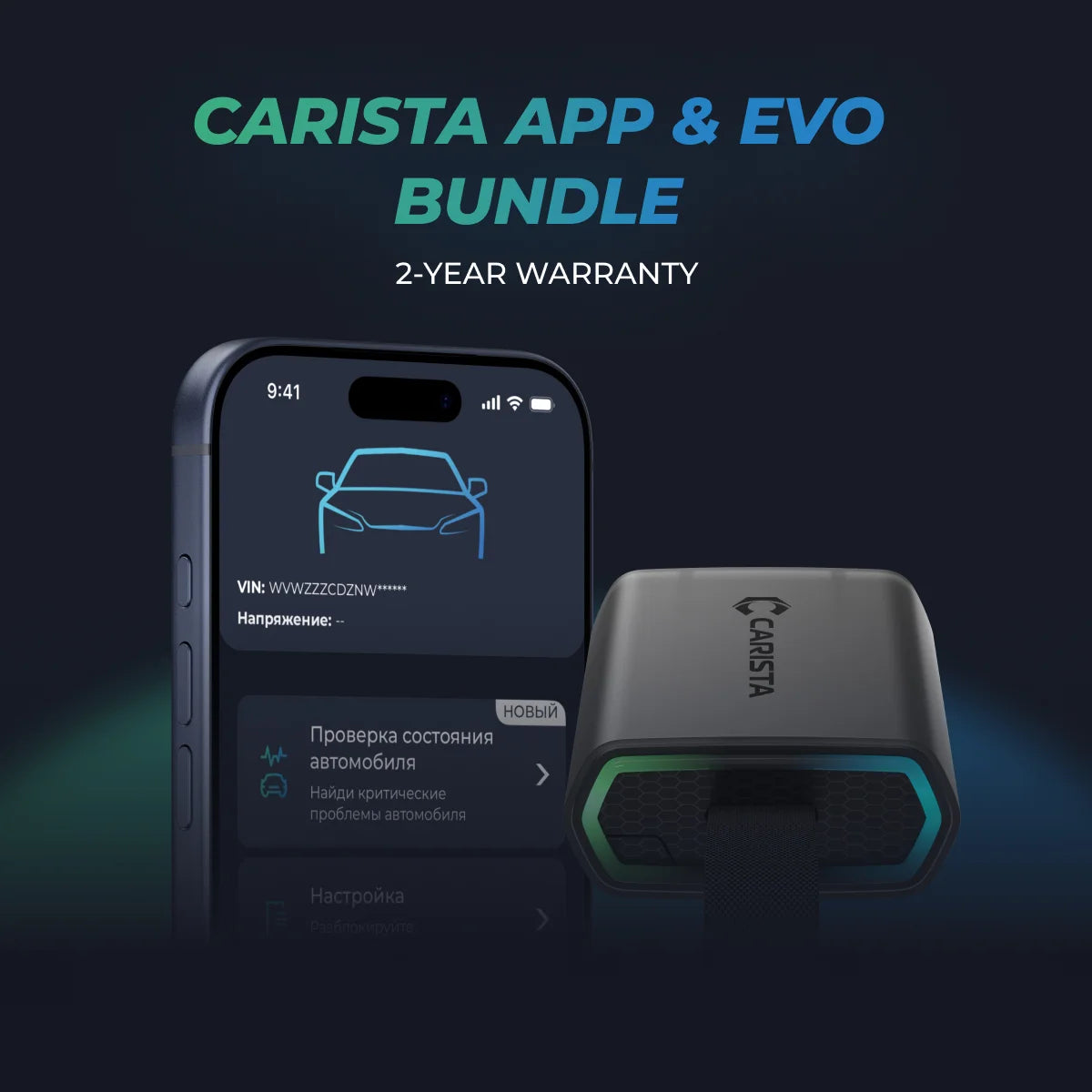
Carista, however, supports compatible vehicles across multiple manufacturers in addition to Volkswagen, Audi, Škoda, SEAT and CUPRA. Its current vehicle database includes 30+ brands such as BMW, MINI, Toyota, Lexus, Nissan, Ford, Honda, Acura, Volvo, Cadillac, Renault and others, although available functions differ by vehicle.
If your household has an Audi today but you may own a BMW, Toyota or another supported vehicle later, multi-brand compatibility can make Carista the more flexible tool.
Which Tool Is Easier to Use?
For most people, Carista.
VCDS exposes technical functions because technical access is the point of the product. That makes it exceptionally useful in knowledgeable hands, but it also creates a steeper learning curve.
Carista intentionally abstracts many of those processes.
Instead of:
Select Control Module → Security Access → Adaptation → Channel → Value
the experience is closer to:
Customize → Lights → Coming-home lights → Enable
That difference can save considerable time if you do not want car coding itself to become a hobby.
VCDS vs. Carista: Final Verdict
Neither tool is simply a replacement for the other.
They solve different versions of the same problem.
VCDS is the better choice for maximum technical access to Volkswagen Group vehicles. If you are an experienced enthusiast, specialist or technician who wants to work directly with control modules, coding, adaptations, measuring values and advanced diagnostic procedures, VCDS gives you substantially more control.
Carista is the better choice for most everyday car owners. It gives compatible vehicles advanced diagnostics, convenient customizations, maintenance functions and live data through a mobile interface without requiring you to become an expert in Volkswagen control-module architecture.
Frequently Asked Questions About VCDS vs. Carista
Is Carista a good VCDS alternative?
Carista can be an excellent VCDS alternative for owners whose priority is convenient coding, diagnostics and maintenance rather than direct access to advanced control-module functions.
Can Carista code Volkswagen and Audi cars?
Yes. Carista can perform supported customizations on compatible Volkswagen and Audi vehicles, as well as supported Škoda, SEAT and CUPRA models. Available customizations depend on the exact model, generation and equipment.
Can Carista read VW-specific fault codes?
Yes. On supported Volkswagen Group vehicles, Carista PRO can access manufacturer-specific diagnostics beyond standardized engine OBD2 codes, including faults from systems such as ABS, airbags, transmission and other available ECUs.
Does VCDS work on a phone?
The full VCDS software is designed for Windows PCs. Ross-Tech's HEX-NET also provides VCDS-Mobile functionality through Wi-Fi-enabled devices, but VCDS-Mobile remains in beta, and a Windows computer is required for setup and updates.
Which is better for beginners: VCDS or Carista?
Carista is generally the better option for beginners because supported functions are presented as understandable settings rather than control-module coding and adaptation values.
*Disclaimer: The information provided in this article is intended for educational and informational purposes only and should not be considered as professional advice. While we strive to provide accurate and up-to-date content regarding OBD2 tools, diagnostics, and related automotive issues, the specifics of each vehicle may vary.
*Always consult your vehicle’s manufacturer guidelines and consider seeking professional assistance when dealing with complex or critical diagnostic issues.