When did you last change your brake fluid? How much did the timing belt cost? Most drivers can't answer without digging through glovebox receipts, a worn notebook or an old spreadsheet.
Car Diary fixes that. It's a new maintenance and repair logbook built right into the Carista app, so your car's full service history lives in the same place you already scan, service and customize it.
What is Car Diary?
Car Diary is a digital maintenance and repair log inside the Carista app. Each entry records four things:
- Category: Maintenance or Repair, then a subcategory and item (for example, Brakes > Brake parts)
- Date of the service
- Odometer reading at the time
- Cost breakdown: parts and labor, with the total calculated for you
Your entries appear as a chronological list, most recent first. Each one shows the type, item, date, subcategory and total cost, so you can scan your car's history in seconds.
It turns Carista from a diagnostic tool into a complete ownership companion: you diagnose, service and now document your car in one app.
How to add a record in Car Diary
Logging a service takes under a minute:
- Open Garage in the Carista app and tap Car diary. The button appears only for supported vehicles.
- Tap Add. If it's your first time, the empty state prompts you to create your first entry.
- Pick a category. Choose Maintenance or Repair, then a subcategory (such as Engine / Drivetrain or Brakes) and the specific item.
- Fill in the details. Enter the date, odometer reading, and the parts and labor costs. Car Diary adds up the total.
- Set a reminder (Maintenance only). It's on by default and pre-filled for one year ahead. Change the date to match your service interval.
- Save. Your record joins the timeline.
Need to fix something later? Tap any record to view or edit it, or swipe it to delete.

Automatic records from Carista service tools
You don't have to type in everything. When you complete certain service procedures in Carista, Car Diary creates a Maintenance record for you. A confirmation ribbon tells you the record was saved.
Service tools that log automatically:
- Electronic parking brake (EPB) service mode
- Battery registration
- Fuel system prime
- Tire / TPMS calibration
- Oil service indicator reset
- Brake service indicator reset
- Coolant service indicator reset
- Spark plug service indicator reset
- Haldex relearn
- Air suspension service
So if you replace your rear brake pads and use Carista to retract the EPB, the job is already in your diary. You can open the entry afterward to add the odometer reading and costs.
Learn more: How to Service the EPB in Your VW or Audi
Expert advice: Tool availability depends on your car's make, model and year. Check what your vehicle supports in the app.
Maintenance reminders, so nothing gets missed
Every Maintenance entry can carry a reminder for the next service. Reminders are on by default and set one year from the service date. You can move the date to match your manufacturer's interval, for example three years for brake fluid.
Carista then reminds you three times:

That gives you a week to book the shop or order parts, plus a final nudge on the day. Reminders apply to Maintenance entries only; Repair entries are logged for your records.
What you can log
Car Diary splits entries into Maintenance (scheduled upkeep) and Repair (fixing something that broke). Maintenance is organized into six groups:

Why keep a digital maintenance log?
A maintenance log is one of the simplest ways to protect your car and its value. Car Diary makes it effortless.
- Know your real running costs. Parts and labor are logged separately on every job, so you can see what the car costs to keep on the road.
- Stay ahead of service intervals. Reminders flag upcoming maintenance before it becomes a repair.
- Sell with confidence. A documented service history is something buyers ask for. Dates, mileage and costs for every job give them proof the car was looked after.
- Talk to mechanics with facts. Show exactly when a part was last replaced, and at what mileage, instead of guessing.
- Retire the notebook. No more paper logs, spreadsheets or lost receipts. Your history sits in the same app you use to scan and service your car.
- Less typing. Jobs you do with Carista's service tools are logged automatically.
Which cars support Car Diary?
Car Diary is available for vehicles with full Carista support, meaning cars where Carista can connect for brand-specific diagnostics, service tools and customizations.
In this first phase, it isn't available for cars that connect in OBD2-only (generic) mode. If your car is fully supported, you'll see the Car diary button in the Garage section of the app.
Not sure about your car? Check the Carista supported vehicles list or connect your Carista scanner and look for Car diary in Garage.

Frequently asked questions
What is Carista Car Diary?
Car Diary is a maintenance and repair logbook built into the Carista app. It records the category, date, odometer reading and cost of every job on your car, and can remind you when maintenance is due.
How do I open Car Diary?
Open the Garage section of the Carista app and tap the Car diary button. It appears only for vehicles with full Carista support.
Does Car Diary work with OBD2-only cars?
Not in this phase. Car Diary is available only for vehicles with full Carista support, not for cars connected in generic OBD2 mode.
Which records are created automatically?
Completing certain Carista service tools creates a Maintenance record automatically. These include EPB service, battery registration, fuel prime, tire / TPMS calibration, oil, brake, coolant and spark plug service indicator resets, Haldex relearn and air suspension service.
Can I edit or delete a record?
Yes. Tap any record to view or edit it, or swipe it to delete.
Can I track how much I spend on my car?
Yes. Each record has separate parts and labor costs, and Car Diary calculates the total. Totals appear on every entry in your timeline.
Does a maintenance log help when selling a car?
Yes. A dated service history with mileage and costs shows buyers the car was maintained, which can support your asking price.
Unlock More with the Carista Bundle
$76.99
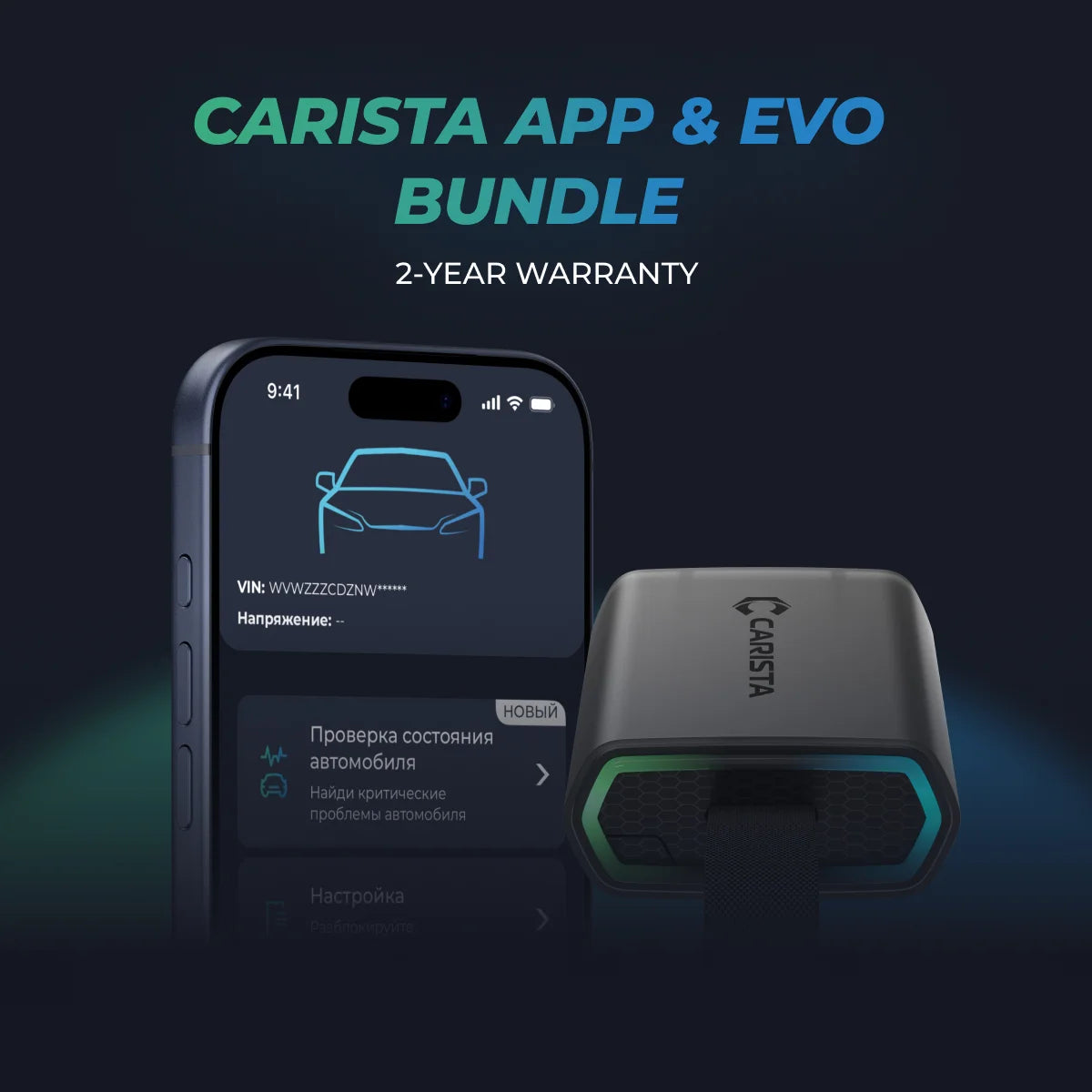
- EVO OBD2 Scanner & 12-month PRO access included
- Our best scanner yet
- Trusted by 3M+ Drivers Worldwide
- VW Group's Official Partner
- 200+ Hidden Features
- FREE Shipping & 2 Year Warranty
Everything you need in a single order.
Disclaimer: The information provided in this article is intended for educational and informational purposes only and should not be considered as professional advice. We work hard to give you accurate and current information about OBD2 tools, diagnostics, and car issues.
However, details can differ for each vehicle.
**Always consult your vehicle’s manufacturer guidelines and consider seeking professional assistance when dealing with complex or critical diagnostic issues.