


Understanding the Electronic Parking Brake (EPB) system
Modern automotive technology has significantly evolved, and one notable advancement is the Electronic Parking Brake (EPB). Predominantly featured in new models of Volkswagen (VW), Audi, SEAT, and Skoda, the EPB enhances driver convenience and safety. Unlike traditional manual handbrakes, EPB systems automatically engage and disengage the parking brake, ensuring that it is always correctly applied.
Advantages of EPB:
- Automatic Engagement: The car can apply the parking brake automatically, reducing the risk of human error.
- Automatic Disengagement: The parking brake can disengage as you start to drive, preventing damage to the brake system.
- Auto-Hold Functionality: This feature keeps the car stationary at traffic lights or on steep inclines without the driver needing to hold the brake pedal.
Servicing Rear Brake Pads with an EPB
While EPB systems offer many benefits, they also complicate certain maintenance tasks, such as changing brake pads or discs. In traditional braking systems, you could manually retract the caliper piston to make space for new pads or discs. However, with an EPB, the hydraulic unit maintains pressure, preventing manual retraction.
Why Disabling the Electric Parking Brake is Crucial for Rear Brake Pad Changes
Disabling the electric parking brake before replacing the rear brake pads is crucial for several reasons. Firstly, the EPB system keeps the brake calipers engaged by maintaining hydraulic pressure. Attempting to push the caliper piston back without releasing this pressure can cause significant damage to the caliper and the parking brake mechanism.
Secondly, forcing the piston back without disabling the EPB can result in brake fluid being forced back through the system, potentially causing leaks or damaging the master cylinder. Lastly, disabling the EPB ensures that all components are in a safe and neutral position, making the replacement process smoother and reducing the risk of injury or further mechanical issues.
Convenience of Using Carista OBD2 Scanner
An OBD2 (On-Board Diagnostics II) scanner is an invaluable scan tool for modern vehicle maintenance, especially when dealing with EPB systems. Here's why using an OBD2 scanner like Carista makes servicing rear brake pads more convenient:
- User-Friendly Interface: OBD2 scanners often come with intuitive interfaces, allowing even those with minimal mechanical knowledge to perform complex tasks.
- Time-Saving: By using an OBD2 scanner, you can quickly and efficiently enter the EPB service mode, significantly reducing the time required for brake maintenance.
- Reduced Risk of Damage: The scanner ensures that the EPB system is properly disengaged, preventing potential damage to the brake caliper or parking brake mechanism that might occur with manual methods.
- Diagnostic Capabilities: These scanners can diagnose and reset fault codes, providing a comprehensive solution for maintenance and troubleshooting.
To safely and effectively service the rear brake pads on VW and Audi vehicles equipped with an EPB, follow these steps:
Step-by-Step Guide to Servicing Rear Brake Pads
Prepare the Vehicle:
- Park the vehicle on level ground to ensure safety and stability.
- Turn the ignition on.
- Disengage the parking brake using the center console button (you need to press the brake pedal for this).
- Once the parking brake is disengaged, remove your foot from the brake pedal and avoid pressing it again until the procedure is complete.
Activate Service Mode Using Carista Scan Tool
- Connect the Carista Scan Tool to your vehicle's OBD2 port.
- Navigate to the "Electronic Parking Brake Service" mode on the scanner.
- Follow the on-screen instructions to release the hydraulic pressure. If you encounter communication errors, ensure you have followed all previous steps correctly. Turn the ignition off and back on, verify the EPB is disengaged, and try again.
Replace Brake Pads:
- Turn the ignition off.
- Replace the brake pads. Although the calipers are released in service mode, you still need to manually push the pistons open. This should not require excessive force.
- Reassemble the brake components completely.
Finalize the Procedure:
- Turn the ignition on without pressing the brake pedal.
- Use the OBD2 scanner to close the EPB.
- Now, press the brake pedal and cycle the EPB on and off a few times using the center console button to ensure it functions correctly.
- Use the "DIAGNOSE" function in the scanner to check for any faults in the EPB module and reset them if necessary.
Test the Brakes:
- Start the engine and drive slowly and carefully.
- Ensure the brakes function correctly. The first press might feel soft, but it should normalize afterward.
- If any warning lights appear, check and reset the EP
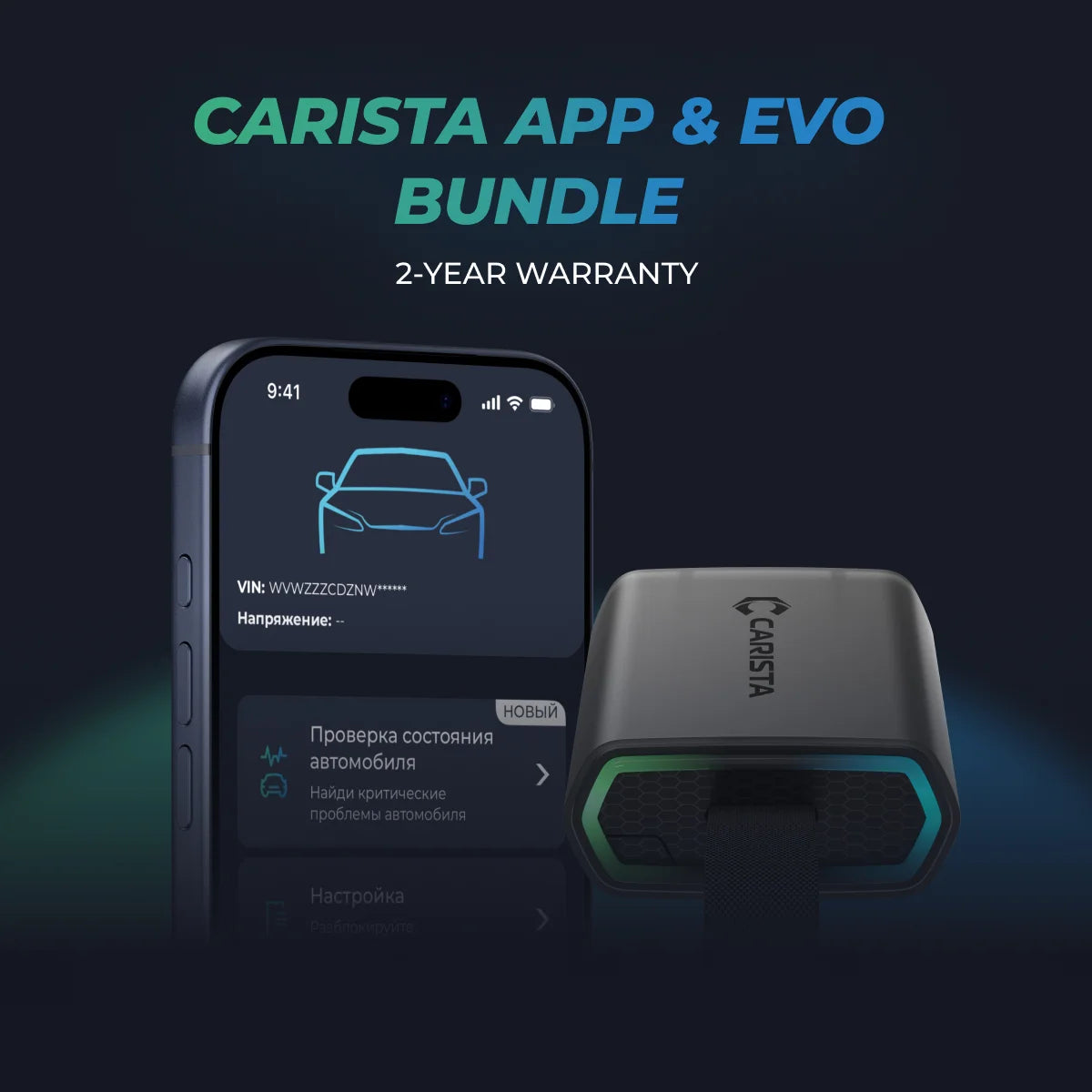
Unlock More with the Carista Bundle
£84.99
- EVO OBD2 Scanner & 12-month PRO access included
- Our best scanner yet
- Trusted by 3M+ Drivers Worldwide
- VW Group's Official Partner
- 200+ Hidden Features
- FREE Shipping & 2 Year Warranty
Everything you need in a single order.
Conclusion
Servicing the rear brake pads on VW and Audi vehicles with an EPB requires careful adherence to specific procedures to avoid damaging the brake caliper or the parking brake mechanism. Tools like Carista scan tool make this process more accessible, offering a user-friendly interface to manage the EPB's service mode. By following these guidelines, you can ensure a safe and effective brake pad replacement, maintaining the functionality and safety of your vehicle's braking system.

