Video in Motion: Revolutionizing the Volkswagen Group Driving Experience
In the rapidly evolving automotive industry, technological advancements are continuously reshaping the way we interact with our vehicles. One such innovative feature that has garnered significant attention is "Video in Motion." This cutting-edge technology allows passengers to enjoy multimedia content while the vehicle is in motion, enhancing the overall driving experience. The Volkswagen Group, a leader in automotive innovation, has seamlessly integrated Video in Motion into their range of models, setting a new standard for in-car entertainment.
What is Video in Motion?
Video in Motion is a feature that enables the playback of video content on a vehicle's infotainment system while the car is moving. Traditionally, video playback was restricted to when the vehicle was stationary, primarily for safety reasons. However, advancements in driver assistance systems and improved vehicle ergonomics have paved the way for safe and controlled use of video content during travel.
Safety First: Volkswagen's Approach
Safety is a paramount concern for the Volkswagen Group. When integrating Video in Motion into their models, Volkswagen has implemented several safeguards to ensure that this feature does not compromise driver attention or road safety. Here are a few key measures:
- Passenger-Only Access: Video content is accessible primarily to passengers, ensuring that the driver remains focused on the road.
- Advanced Driver Assistance Systems (ADAS): Features like adaptive cruise control, lane-keeping assist, and traffic jam assist work in tandem with Video in Motion to maintain safety.
- Heads-Up Displays and Voice Controls: These technologies minimize driver distraction by providing essential information in the driver’s line of sight and enabling hands-free control of multimedia functions.
Enhancing the Journey: Entertainment on the Go
The integration of Video in Motion across Volkswagen Group models elevates the in-car entertainment experience, making long journeys more enjoyable for passengers. Here’s how:
- Rear-Seat Entertainment: In models like the Audi Q7 and Volkswagen Touareg, rear-seat passengers can enjoy movies, TV shows, and even video games on high-definition screens embedded in the headrests.
- Streaming Services: With built-in Wi-Fi and compatibility with popular streaming platforms like Netflix and YouTube, passengers can seamlessly stream their favorite content.
- Customizable Content: Volkswagen’s infotainment system allows users to curate their media library, ensuring that their preferred content is always available.
Unlock More with the Carista Bundle
€76,99
- EVO OBD2 Scanner & 12-month PRO access included
- Our best scanner yet
- Trusted by 3M+ Drivers Worldwide
- VW Group's Official Partner
- 200+ Hidden Features
- FREE Shipping & 2 Year Warranty
Everything you need in a single order.
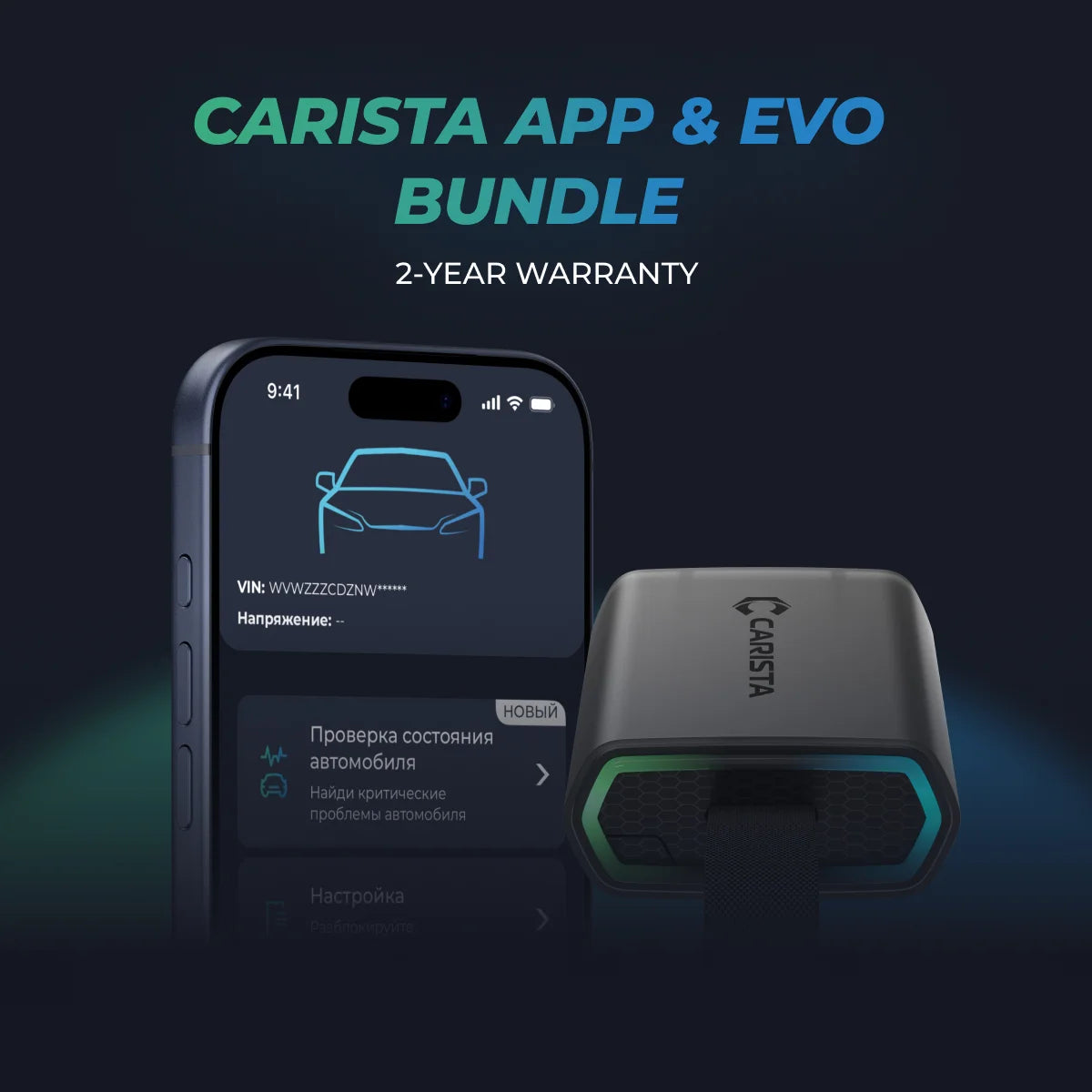
Carista OBD2 is a powerful tool for car enthusiasts, allowing them to customize and tweak various settings in their vehicles, including enabling Video in Motion (VIM). For owners of Volkswagen Group vehicles—Volkswagen, Audi, Skoda, and SEAT—this feature can unlock a new level of in-car entertainment. Here’s a step-by-step guide on how to enable Video in Motion using Carista OBD2.
FREQUENTLY ASKED QUESTIONS
Can I enable VIM for my car?
VIM can only be enabled for vehicles that have the option to watch videos when the car is stopped but can't when it's moving. In this case, our tool will be able to pass this restriction and provide passengers with the ability to bring a new level of entertainment to the cabin with amazing multimedia content.
Where is VIM located in the Carista App?
Connect to your car, open the Carista App, select the ''Service'' menu and you will find the Video in Motion tool.
Do I need an active subscription?
Yes, Video In Motion is part of our Service tools and in order to unlock it you will need an active subscription. For more information on the available subscription options check our website: https://carista.com/en/app.
How to find out if my car supports VIM?
*In case you do not have an adapter and you would like to know whether your vehicle supports the VIM tool, you will need to check the part number of your infotainment system and write an email to our support team at support@caristaapp.com so they can confirm the compatibility. Wonder how you can check your part number? Read our next question.
How to check which part number (infotainment version) my car has?
There are two easy ways of checking your part number.
- Go into your car's Menu then select ''Settings'', scroll down to ''System information'' and the device part number will pop up on your screen.
- If the first option is not available for your vehicle, then try by holding the Menu button for a couple of seconds and you will get a special pop-up menu, go to Software Update/ Versions and look for the part number.
Can I activate video playback with this Service tool?
As already mentioned, video playback is not enabled with Video in Motion as VIM will only break any limitations while the car is in motion. Please, read carefully any instructions and safety implications before unlocking the VIM service tool.
How do I reboot my infotainment system manually?
Simply turn the car on, but not running, and hold the power button for the radio/ infotainment unit for a full 10 seconds for a complete restart.
Does VIM work only when my car is in motion?
Yes. You will be able to access a high-quality visual experience that rivals traditional entertainment systems found in homes or cinemas right from the comfort of your passenger seat while the car is moving.
I saw the VIM feature in another car app and it didn't have so many instructions for enabling it. Can you make it easier to enable?
We have always been committed to bringing user-friendly features with the easiest solution. Actually, this is the easiest way to activate VIM but we would like to provide as much information as needed for our lovely users so they can peacefully enjoy this game-changing experience. The process of enabling VIM is the same in the competitors' apps but they just don't provide all the information beforehand as we do.
Are VIM and MirrorLink in Motion the same?
The answer is no. On one hand, the Video in Motion feature allows passengers to watch videos on their car's multimedia system while the vehicle is in motion. Whether it's for entertainment or educational purposes, Video in Motion provides a customizable experience tailored to the passenger's preferences.
On the other hand, the MirrorLink in Motion feature for cars, allows drivers to access and use their mobile device's applications on the car's dashboard while the car is in motion. This feature provides a safer and more convenient way for drivers to stay connected on the go without compromising their safety.
I can see on the website that VIM is supported for my car but is only available for specific infotainment systems. How can I check what my infotainment system is?
In order to check your infotainment system, you will need to find out your car`s part number by following the next available options and provide the number to our tech support team in an email to support@caristaapp.com
There are two easy ways of checking your part number.
- Go into your car's Menu then select ''Settings'', scroll down to ''System information'' and the device part number will pop up on your screen.
- If the first option is not available for your vehicle, then try by holding the Menu button for a couple of seconds and you will get a special pop-up menu, go to Software Update/Versions and look for the part number.
Important Considerations
- Safety First: While enabling Video in Motion can enhance passenger entertainment, it is crucial to ensure that the driver’s attention remains focused on the road. Use this feature responsibly.
- Legal Compliance: Be aware of the legal regulations regarding video playback in moving vehicles in your region. In some areas, it may be illegal to have video content visible to the driver while the vehicle is in motion.
Conclusion
Enabling Video in Motion with Carista OBD2 for your Volkswagen Group vehicle is a straightforward process that can significantly enhance your in-car entertainment experience. By following these steps, you can unlock this feature and make long journeys more enjoyable for your passengers. Always prioritize safety and ensure you comply with local laws when using Video in Motion.
So fasten your seatbelts, sit back, and get ready to be transported to another dimension of entertainment and knowledge. Video in Motion awaits you, bringing joy, inspiration, and unforgettable moments throughout the journey. If you have other questions, do not hesitate to send us a message on our social media: Facebook or Instagram or email us at support@caristaapp.com.
*Disclaimer: The information provided in this article is intended for educational and informational purposes only and should not be considered as professional advice. While we strive to provide accurate and up-to-date content regarding OBD2 tools, diagnostics, and related automotive issues, the specifics of each vehicle may vary.
*Always consult your vehicle’s manufacturer guidelines and consider seeking professional assistance when dealing with complex or critical diagnostic issues.