Curious to know whether your car has a launch control and how many times it has been used? Or are you about to purchase a used one but want to ensure that the vehicle is in perfect condition and the previous owner isn't hiding any crucial information? Monitoring the usage of launch control can provide valuable insights into a vehicle's performance history and overall condition.
Let's dive into what exactly launch control is, how it works, and why it's so important to check its usage in advance.
What is Launch Control?
Launch control is an advanced automotive technology designed to optimize a vehicle’s acceleration from a stationary position. Originally developed for motorsports and high-performance vehicles, it is now increasingly available in a variety of high-end sports cars, supercars, and even some performance-oriented luxury vehicles. The primary purpose of launch control is to enable the driver to achieve the quickest possible start from a standstill, with minimal wheel spin and maximum traction.
Launch control can significantly alter a vehicle's performance in certain driving conditions, making it especially useful in scenarios like drag racing, where getting off the line faster than competitors is as crucial as the engine's power.

How Does Launch Control Work?
Launch control works by optimizing various parameters of the vehicle to achieve the best possible acceleration. Here's a breakdown of the process:
Pre-Launch Preparations:
- Engine and Transmission Warm-Up: Before using launch control, the engine and transmission need to be warmed up to their optimal operating temperatures. This ensures that all components are ready to handle the stress of maximum acceleration.
System Activation:
- Drive Mode Selection: The driver selects the appropriate drive mode (usually Sport or Dynamic) which adjusts the vehicle's settings for high-performance driving.
- Traction Control Adjustment: The Electronic Stability Control (ESC) or traction control system is typically turned off or put into a special mode that allows for some wheel slip, which is essential for a quick launch.
Throttle and Brake Management:
- Brake Hold: The driver firmly presses the brake pedal with their left foot to keep the car stationary.
- Throttle Application: The accelerator pedal is fully depressed with the right foot. The launch control system then takes over, managing the throttle to hold the engine at the optimal RPM for launch.
Optimal RPM and Gear Engagement:
- RPM Limitation: The system maintains the engine at a specific RPM, which is pre-determined to provide the best balance between power and traction.
- Gear Engagement: The transmission is set to the optimal gear for launch, typically first gear, but in some systems, it may start in second gear to reduce wheel spin.
Launch Execution:
- Brake Release: The driver quickly releases the brake pedal while keeping the accelerator fully depressed. The system then manages the power delivery to the wheels, ensuring maximum traction and minimal wheel spin.
Post-Launch Adjustments:
- Traction Control Re-engagement: After the launch, the traction control system re-engages to help maintain control as the vehicle accelerates.
How to Know if Your Car Has Launch Control
If you're unsure whether your car is equipped with launch control, here are a few steps to determine its presence:
- Check the Owner’s Manual: The most reliable source of information about your car’s features is the owner’s manual. Look for sections related to performance features or driving aids.
- Look for Performance Packages: Cars with performance packages or trims often come with launch control. Check if your car’s model and trim include such packages.
- Visit the Manufacturer’s Website: Many car manufacturers list detailed specifications and features of their models on their websites.
- Consult Your Dealership: Your car dealership can provide you with detailed information about your vehicle's features.
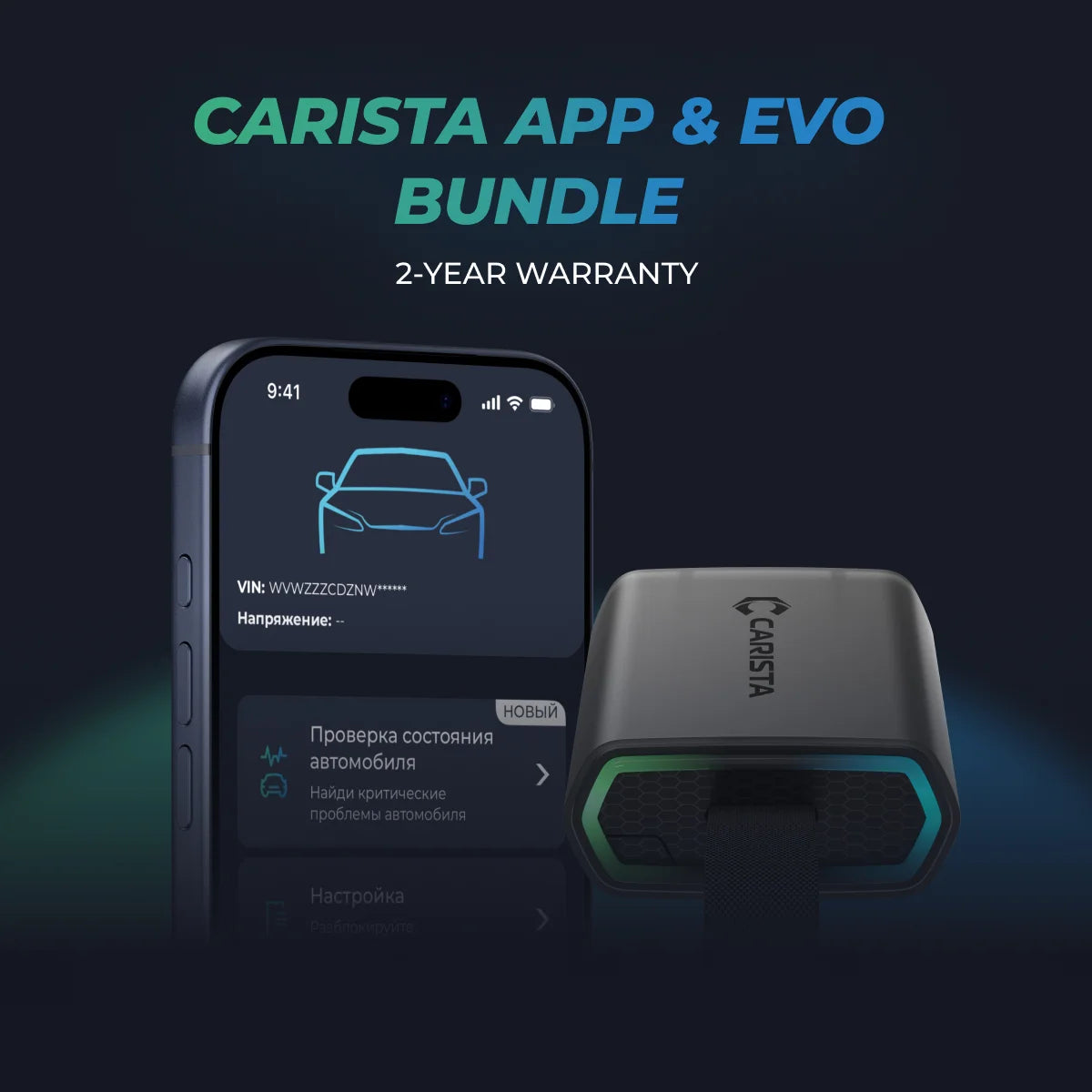
- Use Diagnostic Tools: Diagnostic tools like the Carista OBD2 diagnostic tool can help identify if your car has launch control and allow you to monitor its usage.
Unlock More with the Carista Bundle
£84.99
- EVO OBD2 Scanner & 12-month PRO access included
- Our best scanner yet
- Trusted by 3M+ Drivers Worldwide
- VW Group's Official Partner
- 200+ Hidden Features
- FREE Shipping & 2 Year Warranty
Everything you need in a single order.
The Importance of Monitoring Launch Control Usage
Although launch control is a cool feature that many car enthusiasts enjoy, it's not necessary to overuse it, especially in everyday driving situations like in-town commuting. Launch control should be used in controlled environments, such as sanctioned drag races, where maximum acceleration is desired. Overusing launch control can damage the clutch, drivetrain, engine, and gearbox.
Carista's "Launch Control Count" Live Data Tool
This is where Carista’s superpower comes into play. Our "Launch Control Count" live data tool allows you to see how many launches have been performed on a car. This is particularly useful when considering buying a second-hand vehicle. Knowing the launch control usage can give you insights into how the vehicle has been driven and if it has been used to its maximum capacity frequently.
To check this parameter in real-time:
- Plug in the Carista OBD2 diagnostic tool: Connect the Carista OBD2 scanner to your car.
- Open the Carista App: Launch the app on your smartphone.
- Click on the "Live Data" Button: Navigate to the live data section to see the launch control count.
- *This feature is available for certain brands and models, so be sure to check the compatibility list.

How to Use Launch Control on an Audi S3
If you're the proud owner of an Audi S3 and want to take full advantage of its launch control system, here's a step-by-step guide to help you make the most of this exciting feature. The Audi S3, known for its high performance and sleek design, is equipped with a launch control system that ensures optimal acceleration from a standstill.
Steps to Use Launch Control on an Audi S3:
- Warm Up the Engine and Transmission:
- Before using launch control, ensure that the engine and transmission are adequately warmed up. This helps in achieving the best performance and prevents unnecessary wear and tear on the components.
- Enable Dynamic Mode:
- Set your Audi S3 to Dynamic Mode using the Drive Select button. This mode optimizes the vehicle's settings for high-performance driving.
- Disable Traction Control:
- Press the traction control button to disable the Electronic Stability Control (ESC). This is necessary for the launch control system to function.
- Switch to Sport Mode:
- Place the gear lever in Sport mode. This can typically be done by moving the gear lever to the "S" position.
- Press the Brake Pedal:
- Firmly press the brake pedal with your left foot and hold it down.
- Fully Depress the Accelerator Pedal:
- With your right foot, fully depress the accelerator pedal. The engine RPM should rise to a predefined level (around 3,000-4,000 RPM), indicating that launch control is activated.
- Release the Brake Pedal:
- Quickly release the brake pedal while keeping the accelerator fully depressed. The car will launch forward with maximum acceleration.
How to Use Launch Control on an Audi A3
The Audi A3 also comes equipped with a launch control system in certain models, enabling quick acceleration and high performance. Here’s how to use launch control on an Audi A3:
Steps to Use Launch Control on an Audi A3:
- Warm Up the Engine and Transmission:
- Make sure the engine and transmission are adequately warmed up before using launch control to ensure optimal performance and avoid unnecessary wear.
- Activate Dynamic Mode:
- Set your Audi A3 to Dynamic Mode using the Drive Select button. This adjusts various settings to enhance performance.
- Deactivate Traction Control:
- Turn off the Electronic Stability Control (ESC) by pressing the traction control button.
- Switch to Sport Mode:
- Move the gear lever to the "S" position to engage Sport mode.
- Press the Brake Pedal:
- Firmly press and hold the brake pedal with your left foot.
- Fully Depress the Accelerator Pedal:
- Fully depress the accelerator pedal with your right foot. The engine RPM will rise, indicating that launch control is ready.
- Release the Brake Pedal:
- Quickly release the brake pedal while keeping the accelerator pedal fully pressed. The car will launch forward with maximum power and minimal wheel spin.
Important Considerations
- Use in Controlled Environments: Launch control is designed for controlled environments like racetracks or drag strips. Using it on public roads is not recommended and can be unsafe.
- Limit Usage: Avoid overusing launch control as it can put extra stress on the vehicle’s components, potentially leading to damage.
- Maintenance Checks: Regularly check your vehicle’s health, especially if you frequently use launch control. This includes inspecting the clutch, transmission, and drivetrain.
Disclaimer: The information provided in this article is intended for educational and informational purposes only and should not be considered as professional advice. While we strive to provide accurate and up-to-date content regarding OBD2 tools, diagnostics, and related automotive issues, the specifics of each vehicle may vary.
**Always consult your vehicle’s manufacturer guidelines and consider seeking professional assistance when dealing with complex or critical diagnostic issues.