If you're a Nissan owner who wants more control over your vehicle’s features, you're not alone. From unlocking hidden functionalities to tweaking performance and behavior, Nissan coding and ECU programming have become hot topics among car enthusiasts and everyday drivers alike.
Thanks to tools like the Carista OBD2 scanner and app, customizing your Nissan has never been easier—or more affordable. Whether you're driving a Nissan Qashqai, Leaf, or another model, this guide will walk you through how to use Carista to personalize your car like a pro.
What Is Nissan Coding and ECU Programming?
Nissan coding involves changing the behavior of your car's electronic systems, like lighting, door locks, and driver assistance features. On the other hand, ECU programming (Electronic Control Unit) allows more advanced tuning of engine and transmission settings.
While this used to require dealership visits or expensive tools, today you can do a surprising amount with a simple OBD2 scanner and a smartphone app.
Why Carista? A Game-Changer for DIY Nissan Customization
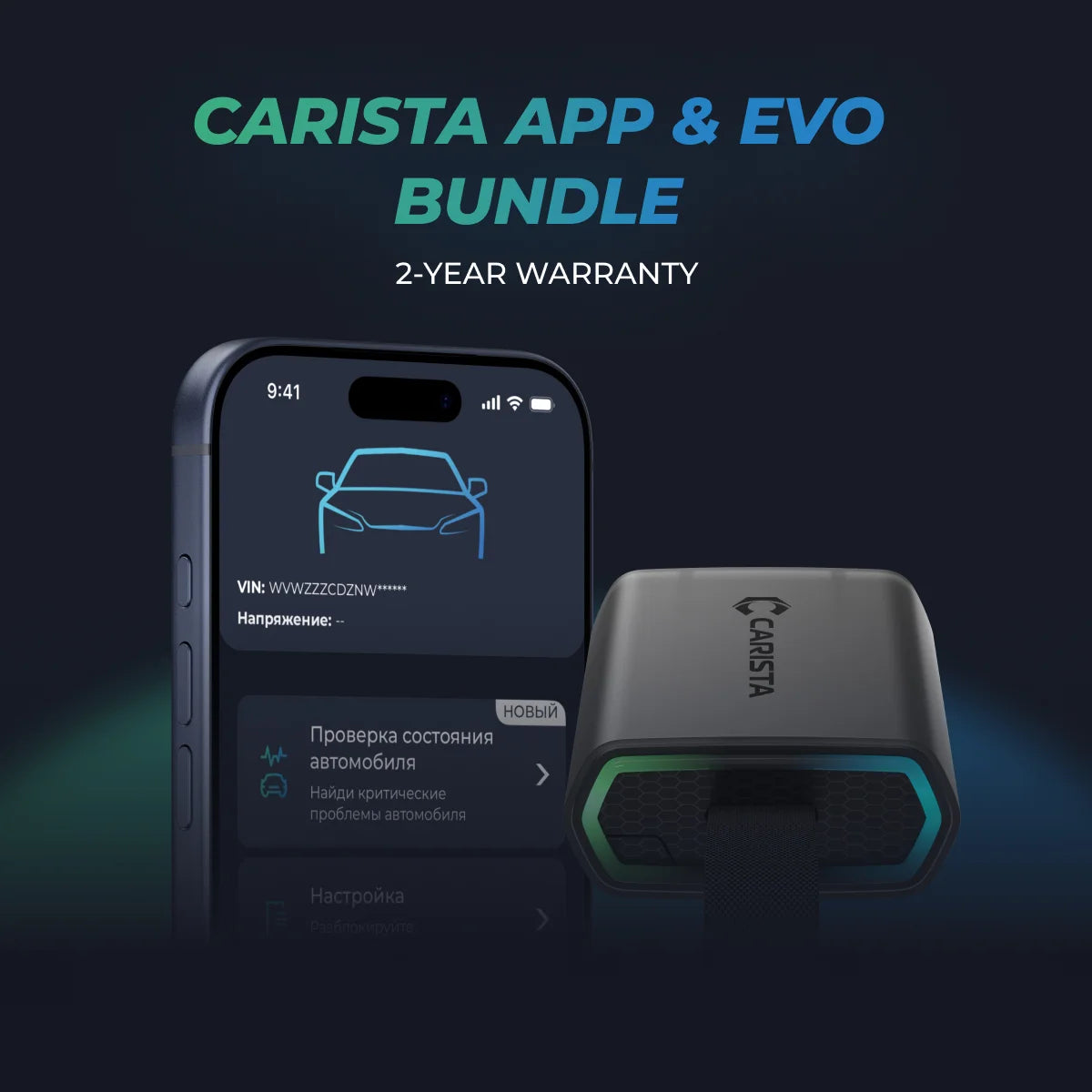
The Carista OBD2 scanner paired with its companion Carista app is a plug-and-play solution that empowers you to diagnose, code, and customize your Nissan—all without complicated setups or dealership costs.
Key Benefits of Carista for Nissan Owners:
-
Easy Plug-In Setup: Just insert the Carista dongle into your car’s OBD2 port (usually under the dashboard), connect via Bluetooth, and open the app.
-
User-Friendly App Interface: No tech expertise required. The app guides you step by step.
-
Model-Specific Customizations: Unlock hidden features in your Nissan Qashqai, Leaf, and other models.
-
Live Diagnostics: Read and clear fault codes instantly—no mechanic visit needed.
Unlock More with the Carista Bundle
- EVO OBD2 Scanner & 12-month PRO access included
- Our best scanner yet
- Trusted by 3M+ Drivers Worldwide
- VW Group's Official Partner
- 200+ Hidden Features
- FREE Shipping & 2 Year Warranty
Everything you need in a single order.
Top 5 Most Popular Nissan Customizations with Carista
Curious which Nissan settings are trending among Carista users? Here are the five most activated Nissan tweaks over the last few months. These features are designed to enhance comfort, safety, and convenience, all customizable right from your smartphone.
Dim Interior Lights
Adjust how long your interior lights stay on after closing the doors or turning off the engine. Choose from 7.5, 15, or 30 seconds to fit your preference.
Find it: Carista app → Customize → Lights: Interior
Interior Light Gradual Brightening Time
Make your Nissan feel more luxurious with smooth, gradual interior light brightening. Options range from immediate to a 3-second fade-in.
Find it: Carista app → Customize → Lights: Interior
Reverse Gear Beep (Nissan Leaf only)
Turn the reverse beep on or off. Some drivers prefer the safety alert, while others find it unnecessary.
Find it: Carista app → Customize → Dings & Warnings
Auto-Lock All Doors
Automatically lock your doors when driving or shifting gears—great for family safety and peace of mind. You can also disable it if you prefer manual locking.
Find it: Carista app → Customize → Locking: Doors & Automatic
Daytime Running Lights (DRL)
The most popular setting! Choose what lights act as your DRLs—high beams, low beams, fog lights, LEDs—and improve your visibility on the road.
Find it: Carista app → Customize → Lights: Daytime Running Lights (DRL)
Note: Features may vary by Nissan model and year. Always check compatibility on Carista’s website or app before purchasing.
How to Get Started
Step 1: Order the Carista OBD2 scanner (available on Amazon or Carista’s official site).
Step 2: Download the Carista app on iOS or Android.
Step 3: Plug the scanner into your car’s OBD2 port and pair it via Bluetooth.
Step 4: Explore diagnostics, customizations, and service tools within the app.
Final Thoughts
Whether you're looking to configure your Nissan Qashqai, fine-tune your Leaf, or simply get more out of your vehicle, Carista makes Nissan customization easy, safe, and fun.
Say goodbye to dealership visits for every little tweak. With Carista, you’re in the driver’s seat—literally and figuratively.
*Disclaimer: The information provided in this article is intended for educational and informational purposes only and should not be considered as professional advice. While we strive to provide accurate and up-to-date content regarding OBD2 tools, diagnostics, and related automotive issues, the specifics of each vehicle may vary.
*Always consult your vehicle’s manufacturer guidelines and consider seeking professional assistance when dealing with complex or critical diagnostic issues.