Have you ever wondered what type of hidden features you can activate on your Audi? If you’re behind the wheel of an Audi A4 B9, you're in for a treat. Built on the advanced MLB Evo platform, your vehicle is equipped with dozens of customizable features—many of which are hidden from the average user.
With the help of the Carista OBD2 scanner, you can unlock these hidden settings in just minutes—no coding skills or expensive dealer visits required.
In this guide, we’ll walk you through the top 5 Carista customizations for the Audi A4 B9 that boost your driving comfort, style, and convenience. Whether you're looking to personalize your infotainment system or automate daily tasks, these features will enhance your overall driving experience.
Key Takeaways
-
The Audi A4 B9, built on the MLB Evo platform, comes with hidden features that can be unlocked using the Carista OBD2 scanner.
-
Carista allows easy access to custom settings like auto-fold mirrors, disabling start/stop, welcome sounds, and more—no coding required.
-
You can personalize your infotainment system, lock sound feedback, and boost convenience and safety with just a few taps in the Carista app.
-
All changes are reversible, safe, and can be done in minutes.

What Is the Carista OBD2 Scanner?
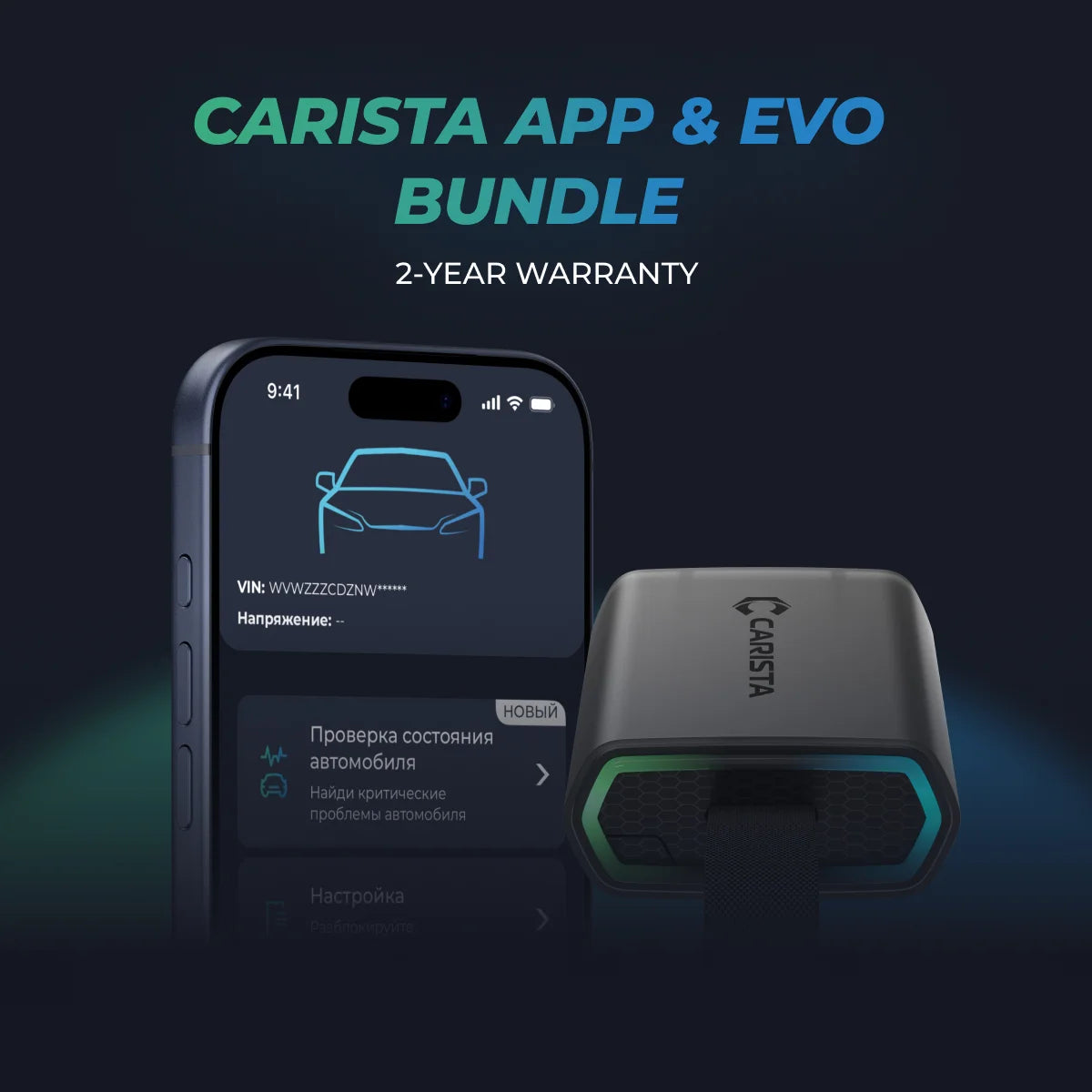
The Carista OBD2 scanner is a compact, Bluetooth-enabled tool that plugs into your car's OBD2 port. Paired with the Carista mobile app (available for iOS and Android), it allows you to:
-
Customize hidden vehicle features
-
Access advanced diagnostics
-
Reset service lights
-
And much more—without professional tools or training
For Audi owners, particularly those driving the B9 generation, Carista is one of the most user-friendly and powerful solutions on the market.
Why the Audi A4 B9 Has Hidden Features
Audi’s B9 platform is built on the MLB Evo architecture, which is shared with other high-end models like the Audi Q5, A5, and A6. This means that your car comes pre-loaded with sophisticated software and hardware—but many features are disabled at the factory due to regional regulations, marketing decisions, or dealership options.
The good news? They're still there—you just need the right tool to access them.
Top 5 Hidden Audi A4 B9 Features to Unlock with Carista
1. Auto Fold Side-View Mirrors
(Requires power-folding mirrors)
Ever wish your mirrors could fold in automatically when you lock the car? With Carista, you can activate this feature and protect your mirrors from damage when parked in tight spaces.
This is especially useful in busy cities or narrow garages where every inch matters.
How to activate it:
-
Open the Carista app
-
Go to Customize → Mirrors → Enable “Auto fold side-view mirrors”
2. Type of Beep When Locking with Remote
Customizing the beep sound when you lock your car may seem like a small change, but it adds a layer of personality and functional feedback.
You can choose from:
-
No beep
-
Single beep
-
Double beep
Whether you're trying to be discreet or want extra confirmation your car is locked, this feature has you covered.
How to change it:
-
Carista app → Customize → Locking: Beep & Blink
3. Start Screen Logo (Infotainment Customization)
Want your infotainment system to greet you with something cooler than the default Audi logo? Carista lets you change the startup logo on your display screen.
From sporty branding to personal styles, this small tweak brings a high-end feel to your interior.
How to activate it:
-
Carista app → Customize → Instruments: Displays & Nav → “Start screen logo”
4. Disable Auto Start/Stop System
While Audi’s auto start/stop system helps reduce emissions and save fuel, many drivers find it frustrating, especially in traffic. Fortunately, Carista offers a clever workaround that disables this feature on B9 models—even though Audi doesn’t provide an official way to turn it off permanently.
It works by “tricking” the car into thinking the necessary conditions for start/stop aren't met via the HVAC ECU.
How to deactivate it:
-
Carista app → Customize → Chassis & Engine
Note: HVAC must remain active for this workaround to stay effective.
5. Welcome Sound When Entering the Car
Want your Audi to greet you every time you step inside? With Carista, you can enable a “Welcome Sound”, which plays a musical tone when you start your car.
This small touch adds personality—and might even lift your mood on tough days.
How to enable it:
-
Carista app → Customize → Instruments: Displays & Nav
Requires infotainment system reboot after enabling
How to Use Carista to Unlock These Features
Getting started with Carista is quick and easy:
-
Buy the Carista OBD2 Scanner
-
Plug it into your car’s OBD2 port (usually beneath the steering wheel)
-
Download the Carista app on your smartphone
-
Open the app, connect to your vehicle, and go to “Customize”
-
Choose the settings you want to change and apply them in seconds
That’s it—no dealer appointments, no coding headaches.
FAQs About Audi A4 B9 Hidden Features
Q: Will these changes void my warranty?
Most comfort and display customizations do not. However, always check with your dealership to be sure.
Q: Can I undo Carista changes?
Yes. Every customization is reversible through the app.
Q: Is Carista safe to use?
Absolutely. It’s widely used by Audi owners and doesn’t require any permanent modification to your car’s systems.