





Volkswagen’s lane-change assist system also known as Side assist is designed to make highway driving safer and more convenient. At its core, it’s a feature that helps drivers manage lane changes by signaling the intent to move into another lane while minimizing the need for prolonged manual signaling.
Paired with Carista, a popular OBD2 and diagnostic app, this system becomes even more customizable, allowing users to fine-tune how the turn signal functions based on their driving preferences. In this article, we’ll explore what Volkswagen’s lane-change assist system offers, how it works, its benefits and potential drawbacks, and how to customize it for an even better driving experience.

What Is Volkswagen’s Lane-Change Assist System?
Volkswagen’s lane-change assist is a driver assistance feature that makes signaling for lane changes simpler and more controlled. It’s designed to improve road safety by alerting other drivers to your intent to change lanes without needing you to hold the turn signal lever down manually.
This is achieved through a quick tap of the signal lever, which initiates a set number of blinks — usually three to five, depending on the car’s preset.
This feature offers two main benefits:
- Convenience: Drivers can signal a lane change with minimal effort, enhancing comfort, especially on long drives.
- Safety: The automatic flashing draws the attention of other drivers on the road, helping prevent accidents during lane changes.
How Does the Lane-Change Assist System Work?
The Volkswagen lane-change assist system uses a simple mechanism tied to the turn signal lever. When the driver briefly taps the lever — instead of fully engaging it — the signal blinks a preset number of times, which then stops automatically.
This is especially helpful when making quick lane changes on highways, as the driver can focus on steering and maintaining lane discipline rather than worrying about manually turning off the signal.
Volkswagen typically presets the turn signal flash count to around three to five blinks. However, many drivers find that customizing this setting can better suit their personal driving habits and enhance overall safety. For instance, if you want a slightly longer signaling period, setting it to five or more flashes can give other drivers more time to react.
Is Volkswagen’s Lane-Change Assist System Good?
While Volkswagen’s lane-change assist system is generally praised for its ease of use, its effectiveness largely depends on the driver’s familiarity with its automatic blink count and how well it fits their driving style. Here’s a closer look at the pros and cons:
Pros
- Hands-Free Convenience: Reduces the need for drivers to hold down the signal lever manually, particularly beneficial during long drives.
- Enhanced Road Safety: Helps alert drivers in other lanes, minimizing the risk of accidental collisions.
- Customizable: With Carista and similar apps, the blink count can be adjusted, allowing drivers to personalize the feature to their liking.
Cons
- Potential for Miscommunication: In some scenarios, the automatic blinking might not align with the driver’s actual intentions, potentially causing confusion for other drivers.
- Dependence on Setting Familiarity: The preset flash count can vary by model or even between cars, which could lead to misunderstandings for drivers used to a different setting.
Customizing the Lane-Change Assist System with Carista
If you own a Volkswagen, you can adjust the turn signal flash count using Carista, an OBD2 and diagnostic app. Carista allows you to control several vehicle settings, including the “Lane-Change Turn Signal Auto-Flasher Count,” which determines how many times the signal blinks when you briefly tap the lever.
To customize your Volkswagen’s lane-change assist system with Carista, follow these steps:
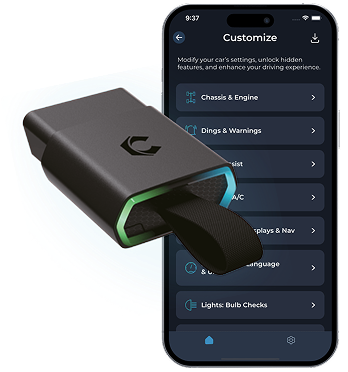
- Get Carista and a Compatible OBD2 Scanner: Carista requires an OBD2 scanner, which connects to your car’s OBD2 port, allowing the app to communicate with the vehicle’s internal settings.
- Connect to Your Vehicle: After plugging in the OBD2 scanner and launching the Carista app, connect the app to your car by following the prompts.
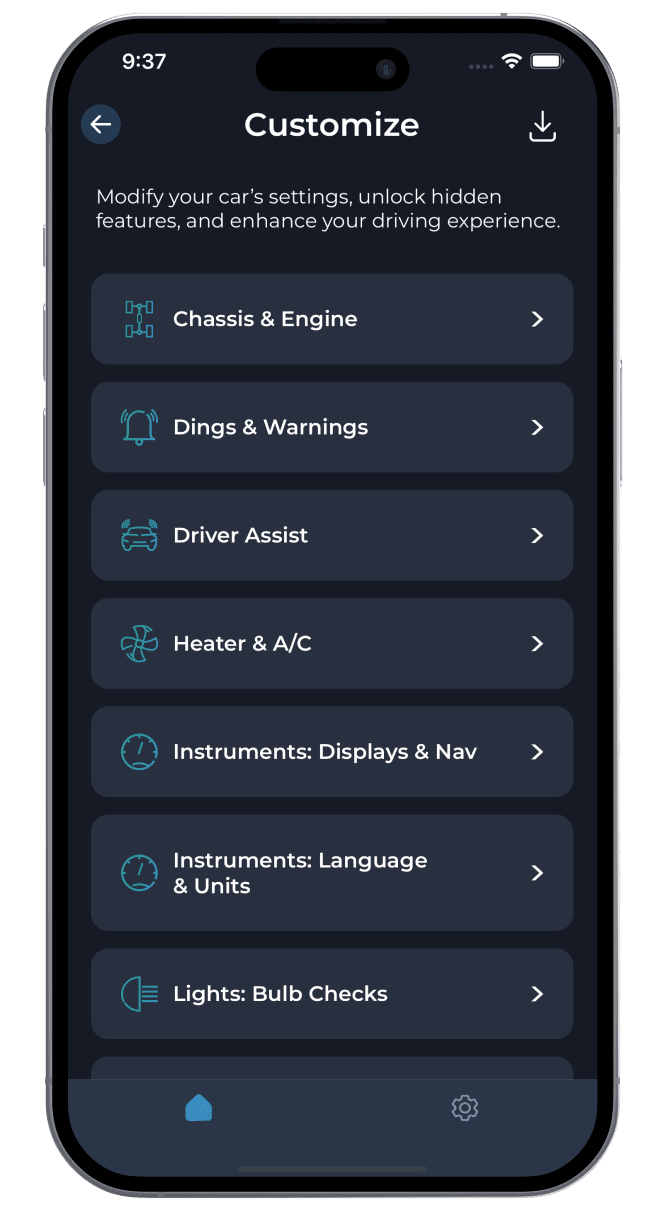
- Locate the Lane-Change Signal Settings: In Carista, navigate to the settings section ''Customize''-> ''External lights'', where you’ll find the option to adjust the “Lane-Change Turn Signal Auto-Flasher Count.”
- Set the Desired Flash Count: Choose a flash count that best fits your driving style. For example, if you prefer a brief signal, set it to three blinks; if you want a longer signal period, opt for five or more blinks.
This customization allows you to tailor the system to your driving habits and improve signaling accuracy, which is especially helpful when driving in dense or fast-moving traffic.
Possible Scenarios: The Pros and Cons of Fixed Blink Counts
While Volkswagen’s lane-change assist is highly convenient, there are scenarios where the default setting might not be ideal for all drivers. Here are some examples of how the preset blink count can impact driving:
-
Motorway Merging with High-Speed Traffic
- Issue: On highways, faster-moving traffic might interpret the prolonged blink count as a definite intention to merge. If the signal continues to blink even when you haven’t yet moved, drivers in the faster lane may slow down unnecessarily, creating potential frustration or unsafe conditions.
- Solution: By customizing the blink count with Carista, you can set it to a lower number to prevent extended signaling in such cases.
-
Signal Auto-Cancel During Lane Changes
- Issue: Sometimes, the signal might auto-cancel after the preset blinks, even though the driver is still in the process of changing lanes. This can be misleading to other drivers who may assume the lane change is complete.
- Solution: Adjusting the blink count to a longer duration, such as five flashes, could provide a clearer indication of your intent, giving other drivers more time to respond.
-
Adjusting Between Different Vehicles
- Issue: Switching between vehicles with different preset blink counts can be confusing, as each car might behave differently when signaling.
- Solution: Customizing the blink count on all your vehicles to a consistent number through Carista can help you maintain familiarity and avoid signaling mistakes.