

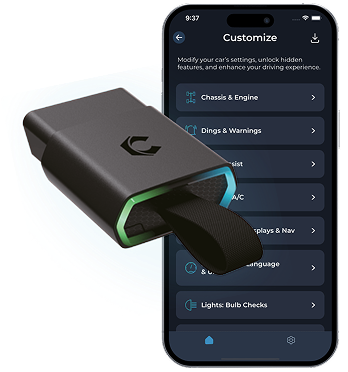
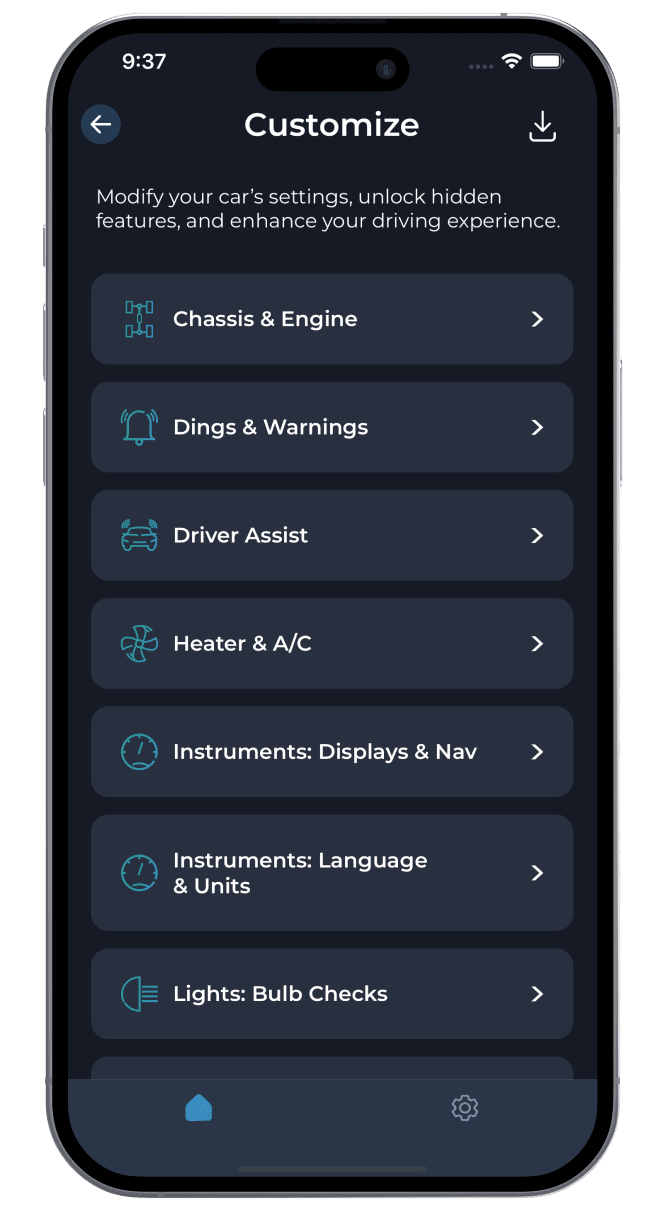





One of the most common questions we get asked is, "Why doesn’t my car have the customization options you're advertising on your supported vehicles page?"
It’s a fair question, and the answer is deeply connected to the concept of debug data collection. Let's unpack both of these topics to give you a clear understanding.
What is Debug Data Collection?
Debug data collection is a crucial process that allows Carista to deliver the best possible experience for customizing your car. When you use Carista, the app essentially "converses" with your car by asking it a series of questions.
These questions gather important information such as coding data, ECU (Electronic Control Unit) part numbers, and software versions. This data is then sent back to us, and it’s incredibly valuable for several reasons.
Cars are built with a variety of different modules, each with its own characteristics and configurations. The variety is immense— for example, there are over 100 different types of MQB (the platform used by VW Golf Mk7, current-gen Audi A3, etc.) central electronics ECUs alone.
If the configuration or coding is incorrect, it can lead to issues down the line. And MQB is just one of many platforms we support, including BMW/Mini and Toyota/Lexus vehicles.
Collecting debug data helps us analyze these different configurations and refine the customizations available in Carista. This ensures that when you connect your car to Carista, the app can offer the most accurate and reliable customization options based on real-world data.
The Importance of Debug Data in Our Beta Program
Debug data collection is also a prerequisite for joining our beta program. In this program, users get access to experimental customizations—these are features that aren’t quite ready for prime time but are available for testing. Some of these customizations come directly from user requests, and while they’re exciting, they can sometimes cause unexpected behavior in a vehicle.
Having access to debug data allows us to understand the original coding of the car, so we can restore it if necessary, effectively resetting your car’s factory coding if something goes awry.
We have other methods of addressing issues that might arise during the beta testing phase, but debug data remains one of the most reliable ways to ensure your car remains in good working order.
How Our Website Displays Customization Options
Our goal has always been to be as transparent as possible about what Carista can do for each supported vehicle. We want to build and maintain trust with our customers, which is why we created a special widget on our website that shows available customizations and tools for each car model we support.
This widget is driven by the same Carista app code that runs on your phone. However, since the website cannot connect to your car directly, it uses debug data from a real car of the same model and generation as a virtual reference. For instance, when you look at customizations for a 2018 VW Golf Mk7 facelift (commonly known as the Mk7.5 Golf), the information is based on data from a real Mk7.5 Golf.
While this approach provides a good overview, it’s important to note that the customizations shown on our website are based on a sample car, not your specific vehicle. Even cars of the same make, model, and year can have significant differences in their configurations.
Therefore, we always encourage users to treat the customizations listed on the website as sample options rather than guaranteed features for their own car. For example, if your car wasn’t factory-installed with an infotainment system, you won’t see customizations related to infotainment.
Why Some Features Might Not Be Available for Your Car
Given the vast number of potential configurations in modern cars, it’s impossible to know with absolute certainty what Carista can do for your car until you actually connect the app to your vehicle. The customization options you see on our website are based on real-world data, but your car might have a different setup that affects which features are available.
In conclusion, while we strive to provide the most accurate information possible, the nature of modern vehicle configurations means that the features advertised may not always match what’s available for your specific car.
For more information on how to become a Carista Beta tester, or to see if your car is supported, visit our supported models page here or contact us at support@caristaapp.com.
By understanding the intricacies of debug data and the way we collect and use this information, you can get the most out of your Carista experience, with the confidence that we’re continually working to enhance the tool’s functionality for every supported vehicle.
Disclaimer: The information provided in this article is intended for educational and informational purposes only and should not be considered as professional advice. While we strive to provide accurate and up-to-date content regarding OBD2 tools, diagnostics, and related automotive issues, the specifics of each vehicle may vary.
**Always consult your vehicle’s manufacturer guidelines and consider seeking professional assistance when dealing with complex or critical diagnostic issues.