Activating Audi Drive Select (ADS) with Carista OBD Reader: A Step-by-Step Guide
Audi Drive Select (ADS) is one of the standout features in Audi vehicles, allowing drivers to customize their driving experience. With Carista, enabling ADS is straightforward, and many users take advantage of this feature to enhance their driving. Let's walk through how to activate ADS using the Carista diagnostic app and explore the benefits of this advanced system.
What is Audi Drive Select (ADS)?
Audi Drive Select is an innovative system that allows drivers to alter various aspects of their vehicle's behavior to suit their preferences or driving conditions. By adjusting parameters such as throttle response, transmission shift points, steering weight, and suspension settings, ADS provides a tailored driving experience. The primary drive modes available in ADS include Comfort, Auto, Dynamic, and Individual.
Benefits of Audi Drive Select
-
Enhanced Driving Comfort:
- Comfort Mode: Prioritizes a smooth and relaxed ride by softening suspension settings and optimizing throttle response for gentle acceleration, making it ideal for city driving and long-distance travel.
-
Optimal Performance:
- Dynamic Mode: Delivers a sportier driving experience with sharper throttle response, firmer suspension (if equipped), and increased steering weight. This mode is perfect for spirited driving on twisty roads or performance-focused situations.
-
Versatile Adaptability:
- Auto Mode: Automatically adjusts settings based on driving conditions and style. This mode balances performance and comfort, providing an adaptive driving experience without manual adjustments.
-
Personalization:
- Individual Mode: Allows drivers to customize each parameter independently, creating a bespoke driving setup. This mode is perfect for those who want to fine-tune their car's behavior to their exact preferences.
Steps to Enable Audi Drive Select (ADS) Using Carista
-
Open the Carista App
- Start by launching the Carista app on your smartphone.
- Navigate to CUSTOMIZE and select Audi Drive Select (ADS).
-
Select Audi drive select (ADS) Options
- You will see two steps listed under ADS:
- ADS (Audi Drive Select) (step 1 of 2)
- ADS (Audi Drive Select) (step 2 of 2)
- Additionally, you can enable the following options:
- Show engine option in ADS menu
- Show steering option in ADS menu
- Show suspension option in ADS menu (if applicable)
- You will see two steps listed under ADS:
-
Accessing the Hidden Menu in Your MMI
- To complete the setup, you need access to the hidden menu in your MMI (Multi Media Interface).
- If you don't have access, enable it via Carista by going to CUSTOMIZE -> Instruments: Displays & Nav -> Hidden (green) menu in dash screen via holding CAR + SETUP (req. restart).
- Restart your MMI to apply these changes.
Configuring Audi drive select (ADS) in the Hidden Menu
For MMI 2G:
- Enter the hidden menu.
- Navigate to Diag settings -> Car menus maske.
- Check the ‘Charisma’ box and accept changes.
- Go to Diag settings -> APK 0x01, 0x0B, 0x0C.
- Check the ‘Charisma’ box and accept changes.
- Restart the MMI system by pressing the SETUP, center control knob, and top-right buttons simultaneously.
For MMI 3G:
- Enter the hidden menu.
- Navigate to Car -> cardevicelist.
- Check the “Charisma” box (ensure it has a solid block next to it).
- Go to Car -> carbusassignment.
- Switch “Charisma” to “[CAN Komfort] 1/9”. (If not available, skip this step)
- Go to Car -> carmenuoperation.
- Move the “Charisma” slider to “1”.
- Restart the MMI system by pressing the SETUP, center control knob, and top-right buttons simultaneously.
For MMI 3G Basic (High or Low) and 3G+:
- Follow the same instructions as for MMI 3G. Note that on some systems, you might need an ADS switch retrofit to change the overall ADS setting. However, you can still modify specific ADS settings like steering and engine.
For Cars with MMI RMC:
- Currently, enabling ADS for cars with RMC navigation is not possible. If you have any new information, please contact Carista support at support@caristaapp.com.
For Cars Without Navigation:
- Unfortunately, enabling ADS on non-MMI (AMI) cars is not possible.
*Known issues:
Note that enabling "Show suspension option in ADS menu" may cause a "Headlight range control defective" fault on cars that don't have dynamic suspension. If that happens, deactivate the ADS suspension setting in Carista and if necessary, go into DIAGNOSE and reset the fault codes.
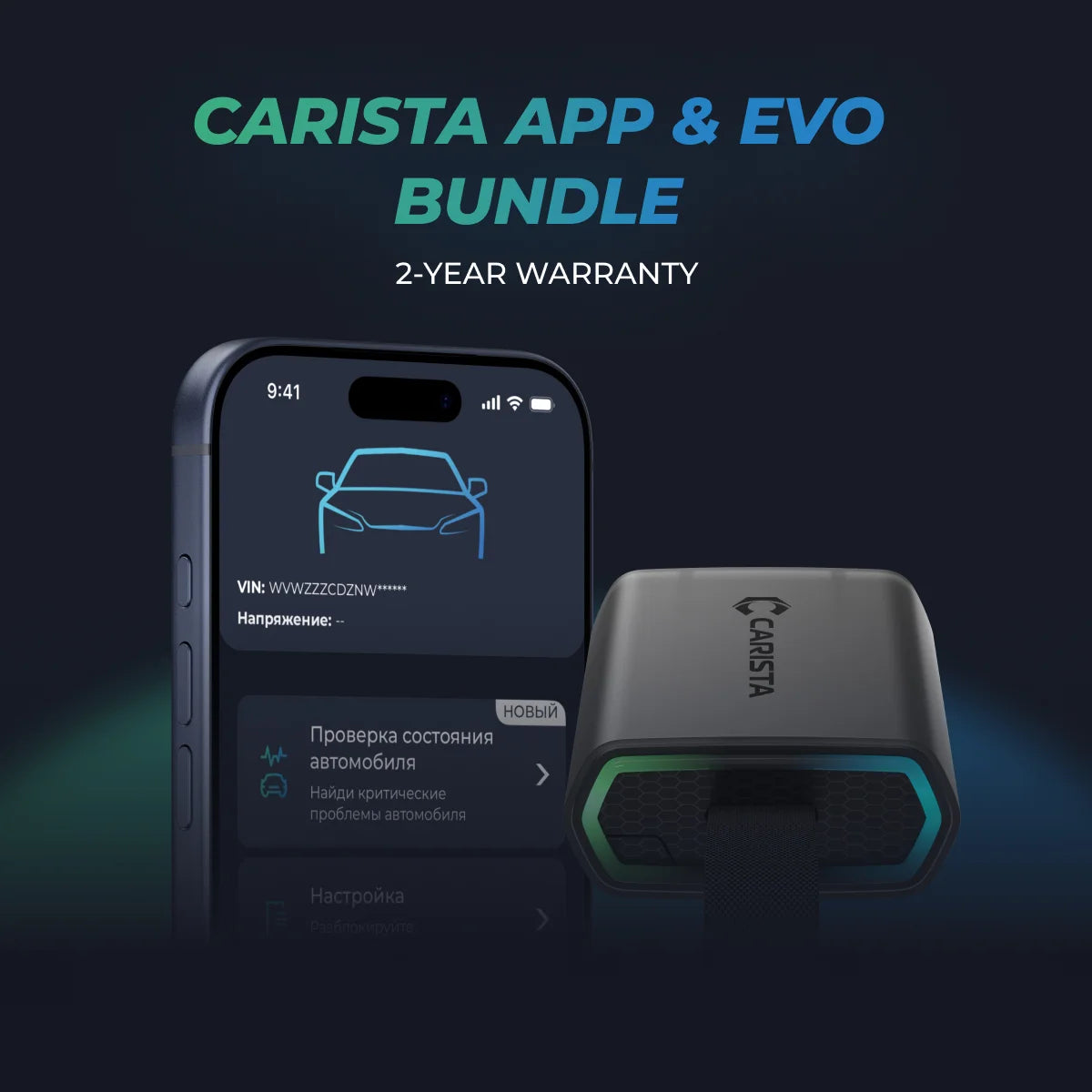
Unlock More with the Carista Bundle
£84.99
- EVO OBD2 Scanner & 12-month PRO access included
- Our best scanner yet
- Trusted by 3M+ Drivers Worldwide
- VW Group's Official Partner
- 200+ Hidden Features
- FREE Shipping & 2 Year Warranty
Everything you need in a single order.
Using Audi Drive Select (ADS)
Once ADS is enabled, you will find a new "Audi drive select" menu in your MMI under "CAR". You can choose from the following modes:
- Comfort: For a relaxed driving experience.
- Auto: The car adjusts settings automatically.
- Dynamic: Enhanced throttle response, sharper steering, and firmer suspension (if equipped).
- Individual: Customize specific settings to your preference.
Final Thoughts
Activating ADS with Carista enhances your driving experience by allowing you to customize various aspects of your car's performance. Follow these steps to unlock the full potential of your Audi's driving dynamics and enjoy a tailored driving experience like never before.
Happy driving!
Disclaimer: The information provided in this article is intended for educational and informational purposes only and should not be considered as professional advice. While we strive to provide accurate and up-to-date content regarding OBD2 tools, diagnostics, and related automotive issues, the specifics of each vehicle may vary.
**Always consult your vehicle’s manufacturer guidelines and consider seeking professional assistance when dealing with complex or critical diagnostic issues.