Quick answer
BimmerCode is for coding (changing hidden settings). BimmerLink is for diagnostics, live data and service functions. They are two separate apps from the same developer, sold separately. Carista combines customization, diagnostics and service functions in one app, and works on BMW plus 30+ other car brands.
- Choose BimmerCode if you only want deep BMW/MINI coding, including manual Expert Mode.
- Choose BimmerLink if you only want BMW fault codes, live data and service tools.
- Choose Carista if you want coding, diagnostics and servicing in one easy app, or you own more than one car brand.
If you own a BMW, at some point you will want to do two things: change how the car behaves, and find out why a warning light came on. The BMW app market splits those jobs in different ways. This guide compares BimmerCode, BimmerLink and Carista side by side so you can pick the right one before you buy a scanner.
What each app does
BimmerCode: a dedicated BMW coding app
BimmerCode, from German developer SG Software, is built for one job: coding. It lets you change settings stored in your BMW's control units, such as disabling the start/stop memory, activating video in motion or changing the number of lane-change blinks. It covers BMW, MINI and the Toyota Supra (2019+).
The app is free to download, but coding needs the Full Version in-app purchase ($49.99 on iOS). An Expert Mode gives experienced users raw access to coding values. BimmerCode does not read fault codes or run service functions; for that you need its sister app.
BimmerLink: the diagnostics companion
BimmerLink comes from the same developer and handles the other half: reading and clearing fault codes, live data, and service functions such as battery registration, DPF information and exhaust flap control. It is a separate purchase (about £39.99), so getting both apps roughly doubles the software cost. Both apps need a compatible third-party OBD adapter.
Carista: customization, diagnostics and service in one app
Carista puts all three jobs in one app. On BMW, it covers:
- Customize: seatbelt warning, gauge needle sweep at startup, beep when locking with the remote, daytime running lights, lane-change blink count, throttle response, auto start/stop behavior, start screen logo and instrument cluster theme
- Diagnose: full-system scans with BMW-specific codes (ABS, SRS, engine, transmission), including VANOS and turbo underboost faults
- Service: service/oil reset, battery registration, TPMS reset, EPB (electric parking brake) reset and DPF regeneration
- Monitor: live data such as RPM, speed, fuel trims, plus turbo and DPF telemetry
Carista supports 20 BMW model lines, from the 1 Series to the X7, i3, i4 and iX3. The same subscription also works on 30+ other brands, so one app covers a household with a BMW and, say, a Toyota or VW. The free tier reads and clears generic OBD2 codes and shows live data, so you can test it before paying.
Check Carista's BMW supported cars page for features on your exact model.
BimmerCode vs BimmerLink vs Carista at a glance

Prices as of October 2026; app store pricing varies by country. Feature availability depends on model, year and equipment.
Carista vs BimmerCode: which is better?
Carista is better for most drivers who want coding, diagnostics and servicing in one app; BimmerCode is better for enthusiasts who want the deepest BMW-only coding. The difference comes down to scope and ease of use.
Coding depth
BimmerCode has a longer list of BMW coding options and an Expert Mode for raw values. Carista focuses on the customizations most owners actually change, such as seatbelt chimes, lighting, needle sweep, start/stop and lock beeps, and presents them as simple on/off or drop-down choices. Carista backs up your original settings before each change, so you can revert in one tap.
Diagnostics and service
This is where Carista pulls ahead. BimmerCode cannot read fault codes or reset a service light. To match Carista's feature set you would need BimmerCode plus BimmerLink. Carista handles full-system scans, battery registration, service resets, TPMS and EPB resets and DPF regeneration in the same app you code with.
Ease of use
Carista is designed for drivers who are not coding experts. You connect, pick a category (Customize, Diagnose, Service, Monitor) and follow plain-language prompts. There is no need to understand control-unit names or coding strings.
Hardware
BimmerCode leaves adapter choice to you, and compatibility can be tricky on newer G-series cars. Carista sells its own adapters, the Carista OBD Reader and the Carista EVO Scanner, which are tested against the app, so there is no guesswork.
Cost
BimmerCode is a one-time purchase, which suits owners who code once and move on. Carista uses a subscription, which suits owners who also want ongoing diagnostics and service functions, or who switch cars. Carista's free tier also lets you read generic codes and live data before paying anything.
Verdict: If you want one user-friendly app that customizes, diagnoses and services your BMW, choose Carista. If you only care about advanced coding and are comfortable with Expert Mode, BimmerCode is the specialist tool.

Which BMW OBD2 app should you choose?
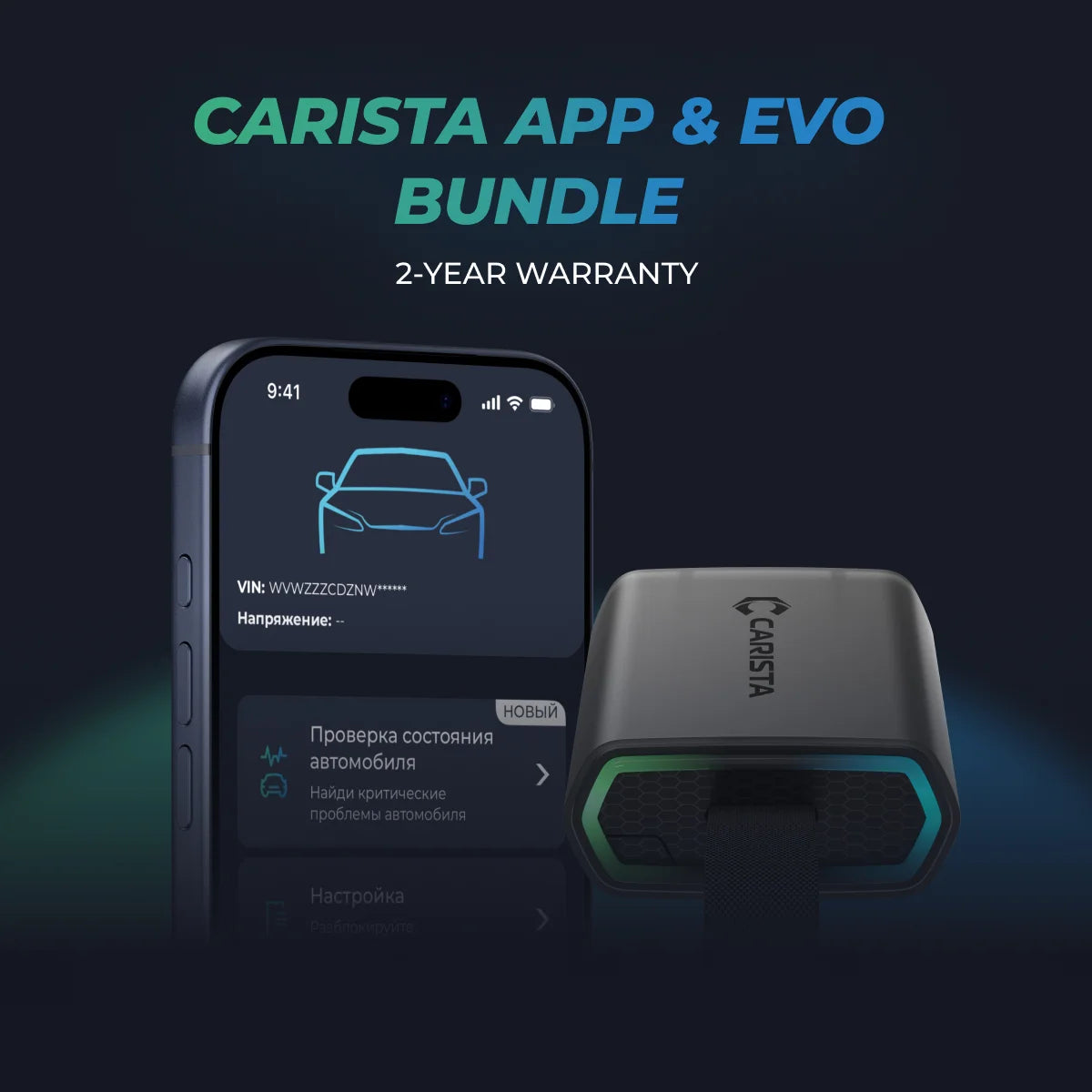
For most BMW owners, the simplest path is one app and one BMW Scanner. Carista's EVO bundle pairs the EVO Scanner with a 12-month Pro subscription, so you can customize, diagnose and service your BMW from day one.

Learn More: BMW Battery Registration
Read more: BMW DPF Regeneration
Learn More: BMW Air Suspension: Common Issues and Troubleshooting
FAQs
What is the best app for BMW coding and diagnostics?
Carista is the best single app for most owners because it combines customization, diagnostics and service functions. BimmerCode is the specialist pick for deep coding, but it needs BimmerLink for diagnostics.
What is the difference between BimmerCode and BimmerLink?
BimmerCode is a coding app for changing hidden settings. BimmerLink is a diagnostics app for fault codes, live data and service functions. They are separate purchases from the same developer.
Is Carista a good alternative to BimmerCode?
Yes. Carista covers popular BMW customizations plus full-system diagnostics, battery registration, service resets and DPF regeneration in one app, and it works on 30+ other brands.
Does Carista work on newer BMW G-series models?
Carista supports 20 BMW model lines, including newer models such as the i4 and iX3. Feature availability depends on model and year, so check Carista's BMW supported cars page for your car.
Can Carista do BMW battery registration?
Yes. Battery registration is part of Carista's BMW service tools, alongside service/oil reset, TPMS reset and EPB reset.
Unlock More with the Carista Bundle
£69.99
- EVO OBD2 Scanner & 12-month PRO access included
- Our best scanner yet
- Trusted by 3M+ Drivers Worldwide
- VW Group's Official Partner
- 200+ Hidden Features
- FREE Shipping & 2 Year Warranty
Everything you need in a single order.
Disclaimer: The information provided in this article is intended for educational and informational purposes only and should not be considered as professional advice. We work hard to give you accurate and current information about OBD2 tools, diagnostics, and car issues.