When your car battery light turns on, it’s not just a small warning. It clearly means there is a problem with your car’s electrical system. This light indicates an issue in the battery and charging system, often involving the battery and alternator.
Ignoring it can lead to battery issues, dim headlights, malfunctioning power windows, and eventually a dead battery.
In this guide, we’ll cover what the light means, how to fix it, how to perform battery testing, and why the Carista OBD2 Scanner is a must-have tool for accurate diagnostics.
What the Battery Warning Light Means
The battery warning light shows that your car electric charging system isn’t working as it should. It means your battery isn’t being charged by the alternator.
When this happens, your car relies solely on stored battery power to run the vehicle’s electrical system. If the issue isn’t fixed, you’ll eventually end up with a failing battery or complete power loss.
Common reasons include:
- A loose or corroded battery connection
- A failing alternator
- A damaged voltage regulator
- A worn or broken drive belt
- A corroded battery cable
- Or simply a battery that’s no longer holding a charge
Symptoms of Battery and Charging System Problems
Watch for these warning signs before the light even comes on:
- Dim headlights when idling or accelerating
- Slow or stuck power windows
- Electrical accessories behaving erratically
- A battery that struggles to stay charged
- Flickering dashboard lights
- A clicking sound when starting the engine
These are all indicators that your battery and charging system may need immediate attention.

Common Causes of a Car Battery Light
- Bad Alternator – The alternator recharges your battery as you drive. If it fails, the battery and alternator stop working together properly, and the battery will drain quickly.
- Damaged Drive Belt – If the belt driving the alternator slips or breaks, the car’s electrical system will lose power.
- Corroded or Loose Battery Terminals – A loose or corroded battery terminal reduces voltage flow and triggers the warning light.
- Faulty Voltage Regulator – This device manages how much voltage the alternator sends to the battery. If it fails, it can cause overcharging or undercharging.
- Old or Weak Battery – A failing battery or one no longer holding a charge can trigger the warning.
For reference, check your battery’s voltage levels and learn more about ideal readings in Carista’s article:
How Many Volts Is a Car Battery?
What to Do When the Battery Light Comes On
- Turn off unnecessary accessories like heated seats, air conditioning, and audio systems.
- Inspect the battery terminals and clean your battery if you see corrosion.
- Check the drive belt for cracks or looseness.
- Avoid turning off the engine until you reach a safe location.
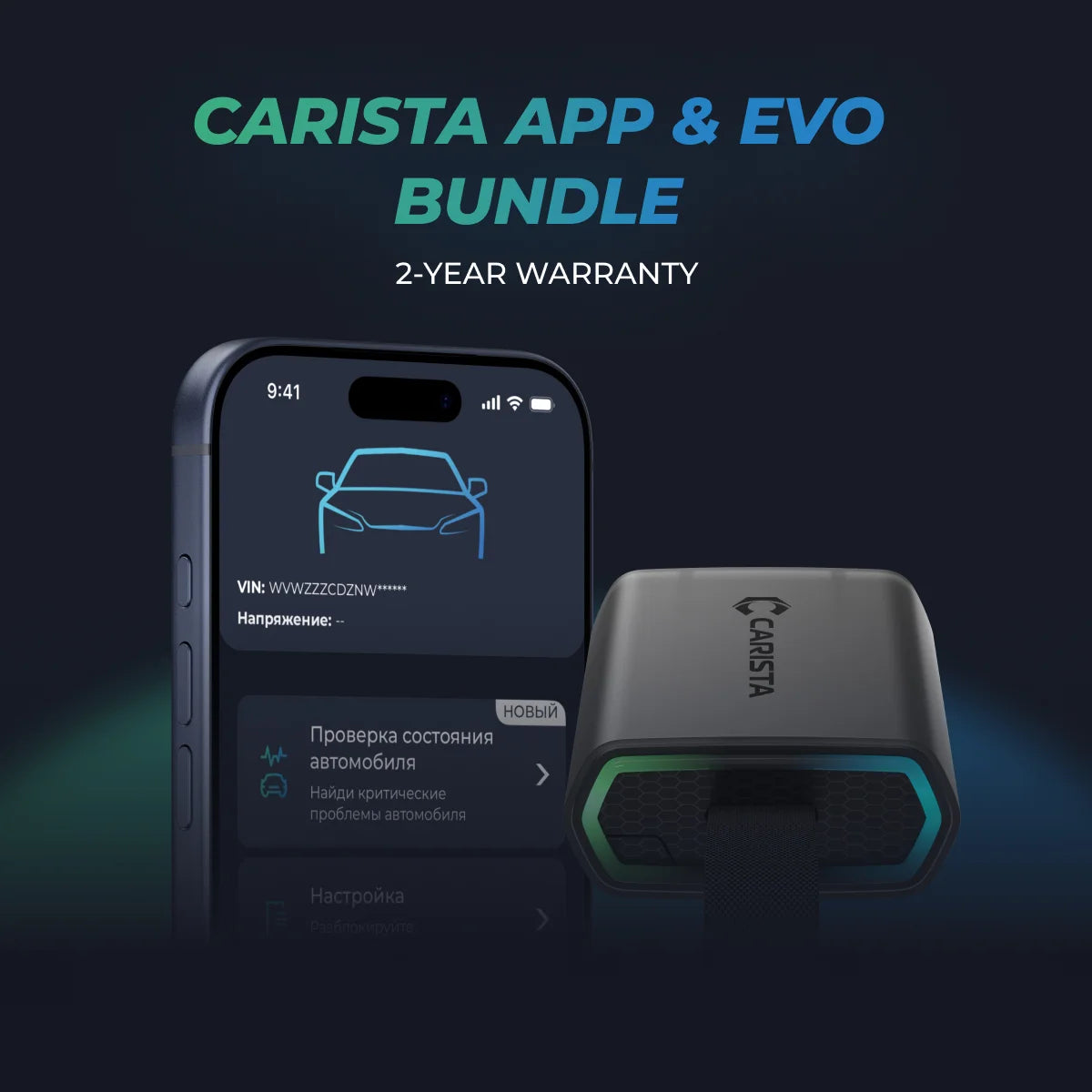
- Use an OBD2 scanner like the Carista OBD2 Scanner to identify the root cause.
Unlock More with the Carista Bundle
£84.99
- EVO OBD2 Scanner & 12-month PRO access included
- Our best scanner yet
- Trusted by 3M+ Drivers Worldwide
- VW Group's Official Partner
- 200+ Hidden Features
- FREE Shipping & 2 Year Warranty
Everything you need in a single order.
How to Fix a Battery Warning Light
Here’s how to handle the most common causes of the warning:
1. Test and Recharge the Battery
Perform battery testing with a voltmeter or at a service center. Most shops offer a free battery test. If your battery is weak but not dead, recharge it. If it’s still not holding a charge, replacement is necessary.
When installing a new battery, remember to register it so your vehicle recognizes it correctly:
Battery Registration Made Easy
2. Repair or Replace the Alternator
If the alternator isn’t producing 13.8–14.4 volts, it’s time for replacement. Without it, your battery and charging system will fail, causing battery issues and dim headlights.
Curious to know how many volts is your car battery?
3. Inspect and Replace the Drive Belt
A broken or slipping belt prevents the alternator from charging the battery. Replace it immediately to protect the vehicle’s electrical system.
4. Clean Battery Terminals and Cables
A corroded battery cable or dirty terminals restrict current flow. Use a baking soda and water mix to clean your battery connections and restore proper function.
5. Use the Carista OBD2 Scanner
The Carista OBD2 Scanner is a professional-grade tool designed for car enthusiasts who want control over their car’s electrical system and quick diagnosis of battery issues.
Why Carista is the Smart Choice
- Instant diagnostics: Detects alternator and voltage regulator faults in seconds.
- User-friendly: Plug it into your OBD2 port and connect via the Carista app.
- Advanced customization: Adjust vehicle settings and monitor performance.
- Cost-saving: Avoid unnecessary mechanic visits by diagnosing at home.
Expert advice: Before replacing your alternator or battery, run a scan with Carista to confirm the exact issue in your car electric charging system
6. Replace the Voltage Regulator
If your voltage regulator isn’t maintaining consistent output, replace it to restore proper charging balance.
7. Inspect Wiring and Fuses
Faulty or frayed wires can interrupt the battery and charging system, causing the car battery light to reappear. Repair or replace damaged connections.
FAQs about Battery warning light
1. Can I drive with the battery light on?
Only for a short time. Your battery is discharging, and once empty, your car will stop running.
2. Does the battery light mean I need a new battery?
Not always. It could be a charging system or voltage regulator issue. Always perform battery testing or scan with Carista.
3. Why are my headlights dim?
Dim headlights usually indicate low voltage from a failing alternator or weak battery.
4. Can cleaning my battery fix the light?
Sometimes. Corrosion at the battery terminals or a corroded battery cable can trigger the warning. Clean your battery and test again.
5. Is Carista compatible with my car?
Check vehicle compatibility in advance.
Disclaimer: This article is for informational purposes only and is not a substitute for professional mechanical advice. Always consult a qualified mechanic for serious automotive issues.